
Inscribed Rectangle Optimization
Loading the math board and drawing, please wait…
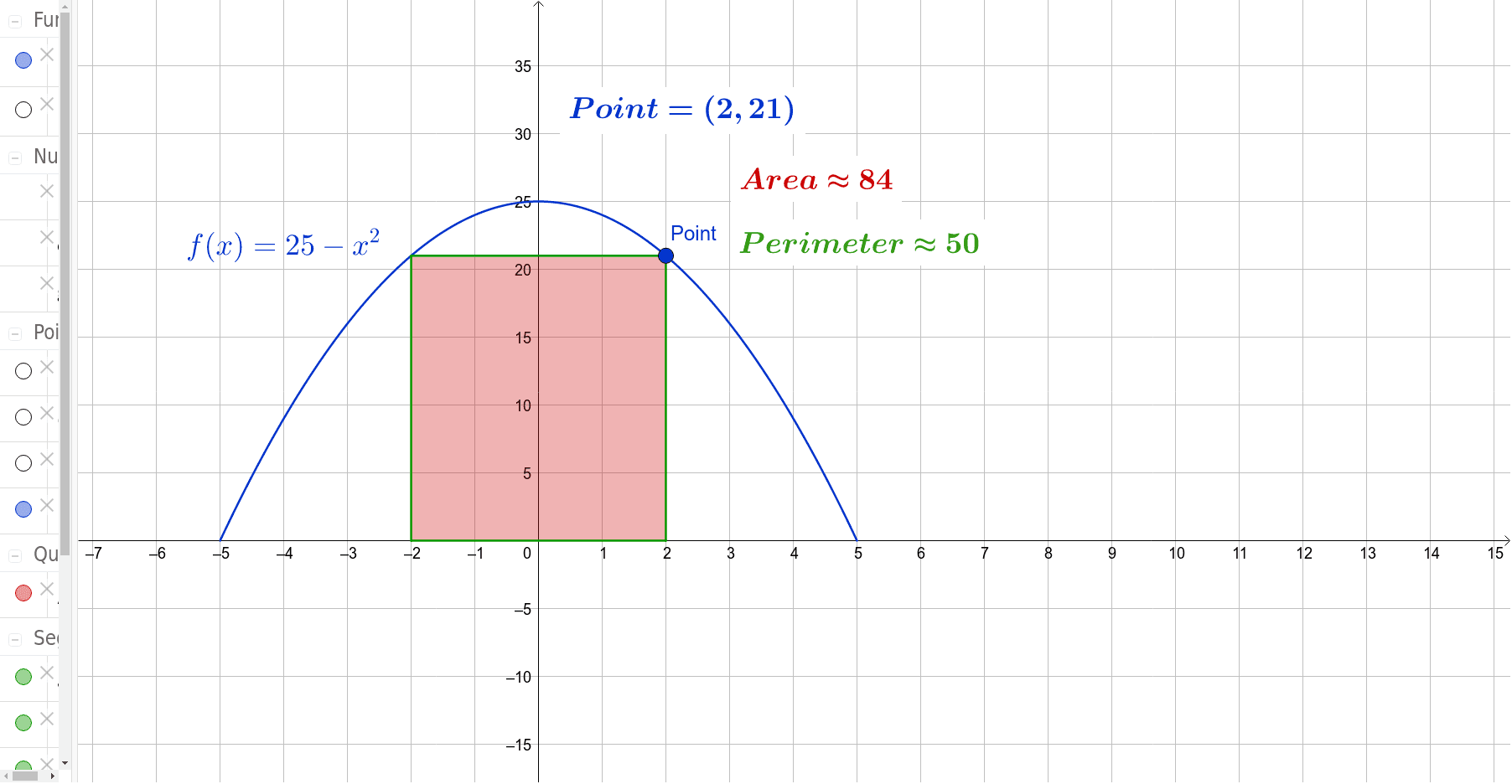
This example demonstrates how to find the maximum inscribed rectangle using optimization methods. Key mathematical concepts include functions, derivatives, and extrema. It uses GeoGebra commands such as Point, Polygon, and Area for geometric construction. Suitable for high school mathematics education, particularly in calculus and optimization problems.
GeoGebra Commands & Parameters
Point(h) → PointPolygon(Point, B, C, D) → Area, a, b, c, d
AI Drawing Prompt Reference
Draw an inscribed rectangle inside a circle by first selecting four points A, B, C, and D on the circle. Then, connect these points to form a rectangle. Adjust the positions of these points to maximize the rectangle's area. Pay attention to how the length and width of the rectangle change and how to use derivatives to find the maximum area.
The prompt above was compiled from the original drawing commands and is for reference only.