
Implicit Surface 3D Plotting
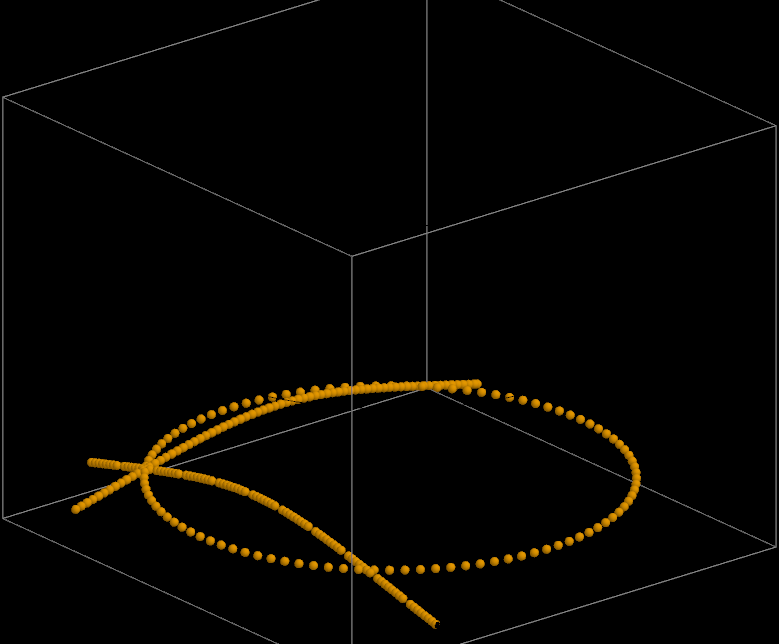
Loading the math board and drawing, please wait…
This example demonstrates how to plot the 3D surface represented by the implicit equation x² + y² - (1 - z) z⁴ = 0. Key math concepts include implicit surfaces, 3D coordinate geometry, and equation solving. Construction highlights from the summary involve commands like Sequence, parameters (n, t, ty, tx), text and lists (texte1, listex, listey), buttons (Bouton1, Bouton2, Bouton3), and controls (a, b, p, spd), as well as trajectory data (tz, listez), and constant (c). Suitable for high school students and math enthusiasts learning implicit surface plotting and parametric control.
GeoGebra Commands & Parameters
Sequence((t, y(Point[tx, i]), x(Point[tx, i])), i, 0, 1, 1 / n) → listexSequence((x(Point[ty, i]), t, y(Point[ty, i])), i, 0, 1, 1 / n) → listeySequence((x(Point[tz, i]), y(Point[tz, i]), t), i, 0, 1, 1 / n) → listez
AI Drawing Prompt Reference
Plot the 3D surface defined by the implicit equation x² + y² - (1 - z) z⁴ = 0 to demonstrate its geometric shape and key mathematical concepts. Use parameters t and n to generate sequences of x, y, z coordinate points, storing them in listex, listey, listez, and draw the 3D surface using these points to highlight implicit surfaces, 3D coordinate geometry, and equation solving.
The prompt above was compiled from the original drawing commands and is for reference only.