
IM Geo 2.14 Practice: Bisect It
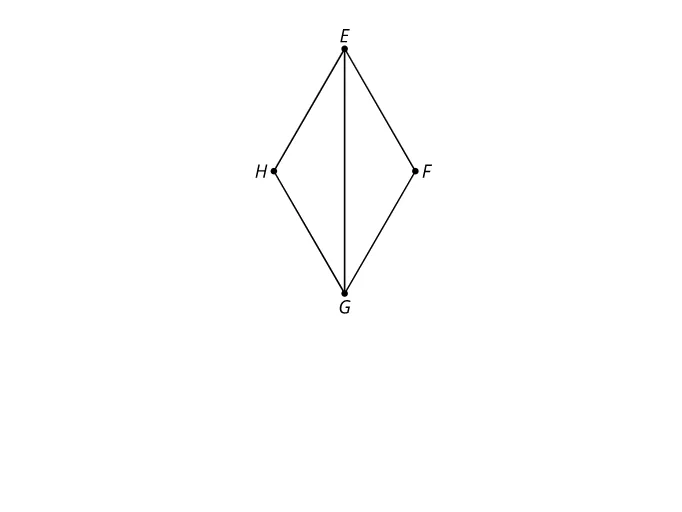
Loading the math board and drawing, please wait…
①This example demonstrates how to bisect a segment or an angle through geometric construction, focusing on the concept of 'bisecting it'. ②Core mathematical concepts include midpoint, perpendicular bisector, angle bisector, and symmetry, which are fundamental to geometric constructions. ③Construction highlights: based on the summary, the example uses an image object (pic1) as a background or reference, likely combined with GeoGebra's basic tools like points, lines, and circles to perform the bisection, though specific commands are not fully listed. ④It is suitable for middle school geometry lessons on compass-and-straightedge constructions or dynamic geometry software practice, and can be used by teachers for demonstrations or students for self-exploration to understand the properties and methods of bisection.
AI Drawing Prompt Reference
Draw a geometric construction diagram showing how to bisect a segment and an angle using compass and straightedge. Include a line segment with two circles centered at its endpoints of equal radius; their intersection points define a perpendicular bisector crossing the segment at its midpoint. Also include an angle with an arc centered at its vertex intersecting both sides, then two equal arcs from those intersection points; the line from the vertex to the arc intersection is the angle bisector. Clearly show the bisectors and symmetry, suitable for middle school geometry.
The prompt above was compiled from the original drawing commands and is for reference only.