
IM 7.6.7 Practice: Reasoning about Solving Equations (Part 1)
Loading the math board and drawing, please wait…
This example demonstrates how to reason step-by-step about solving equations in an interactive, geometry/graphing context. Key mathematical ideas include equivalent transformations of equations, judging the plausibility/existence of solutions, and interpreting algebraic relationships through geometric cues such as tangent-line style reasoning. The setup can also connect to data-style visualization (e.g., bar charts/graphs) to support understanding of relationships between quantities. From the provided construction summary (“Objects: A”), the construction is centered on a key starting object and then builds the necessary dependent graphic elements and constraints around it, allowing learners to observe how changes propagate and how that affects the inferred solution. It is suitable for secondary students learning algebra and its links to functions/graphs, and for teachers using interactive demonstrations to train rigorous solution reasoning.
GeoGebra Commands & Parameters
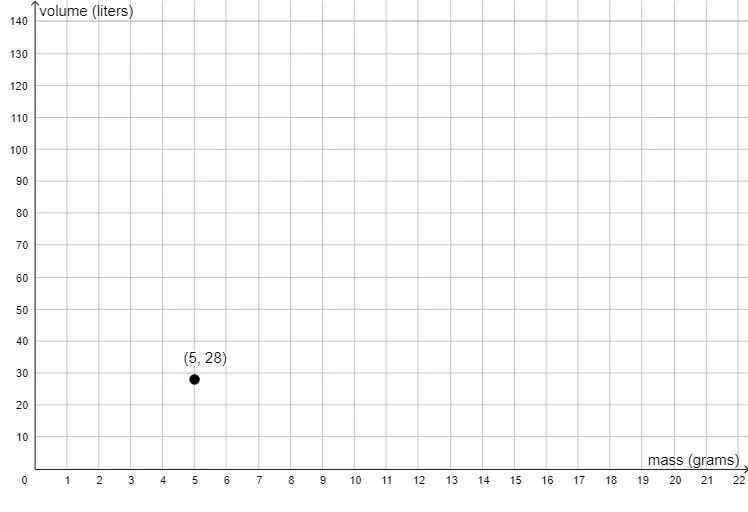
(5, 28)
AI Drawing Prompt Reference
Draw a coordinate system and mark the point (5, 28) on the x-axis, showing its position in the coordinate system.
The prompt above was compiled from the original drawing commands and is for reference only.