
How to Create a Tessellation by mallorina1
Loading the math board and drawing, please wait…
In collections
How to create a Tessellation (Rectangle)
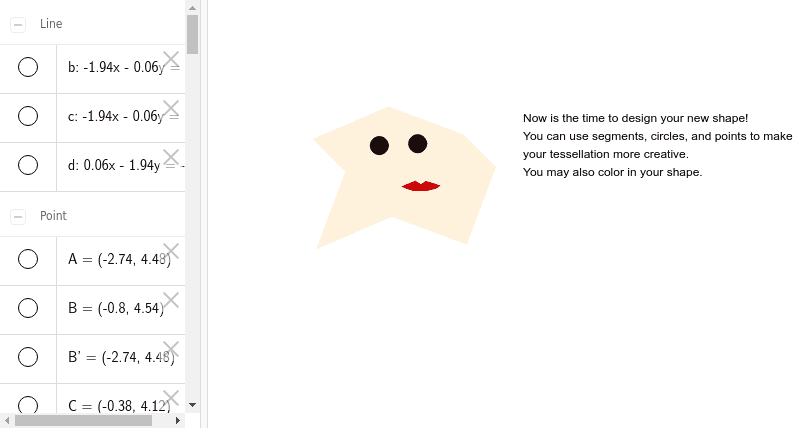
This example demonstrates how to create a tessellation using basic shapes like rectangles, kites, and translations. It involves core math concepts such as vector transformations, polygon construction, and geometric drawing. Key GeoGebra commands and objects used include Segment, OrthogonalLine, Point, Intersect, Vector, Translate, and Polygon. Suitable for high school students learning geometric transformations and tessellations.
GeoGebra Commands & Parameters
Segment(A, B) → aOrthogonalLine(A, a) → bOrthogonalLine(B, a) → cPoint(c) → DOrthogonalLine(D, b) → dIntersect(b, d) → FSegment(B, C) → eSegment(C, D) → fVector(B, A) → uTranslate(B, u) → B'Translate(C, u) → C'Segment(B', C') → e'Translate(C, u) → C'_1Translate(D, u) → D'Segment(C'_1, D') → f'Segment(F, E) → gSegment(E, D) → hVector(F, A) → vTranslate(F, v) → F'Translate(E, v) → E'Segment(F', E') → g'Translate(E, v) → E'_1Translate(D, v) → D'_1Segment(E'_1, D'_1) → h'Translate(D', v) → D''Polygon(A, E', B, C, D, E, F, C') → poly1, a_1, e'_1, b_1, c_1, d_1, e_1, f_1, c'Segment(I, J) → iSegment(J, K) → jSegment(K, L) → kSegment(L, M) → lSegment(M, N) → mSegment(N, O) → nSegment(I, P) → pSegment(P, Q) → qSegment(Q, R) → rSegment(R, S) → sSegment(S, O) → tPolygon(R, Q, S, P, I, J, K, L, M, N, O) → poly2, r_1, o, s_1, q_1, p_1, i_1, j_1, k_1, l_1, m_1, n_1
AI Drawing Prompt Reference
Draw a tessellation composed of basic shapes like rectangles and kites created through translations, demonstrating vector transformations and geometric construction. Start by drawing a segment and perpendicular lines from both ends to find intersection points, forming a basic polygon. Then, use vector translation to replicate and move these shapes repeatedly to fill the plane, finally combining all parts into a complete tessellated pattern.
The prompt above was compiled from the original drawing commands and is for reference only.