
Hole 12: Cylindrical Geometry and Definite Integral Demonstration
Loading the math board and drawing, please wait…
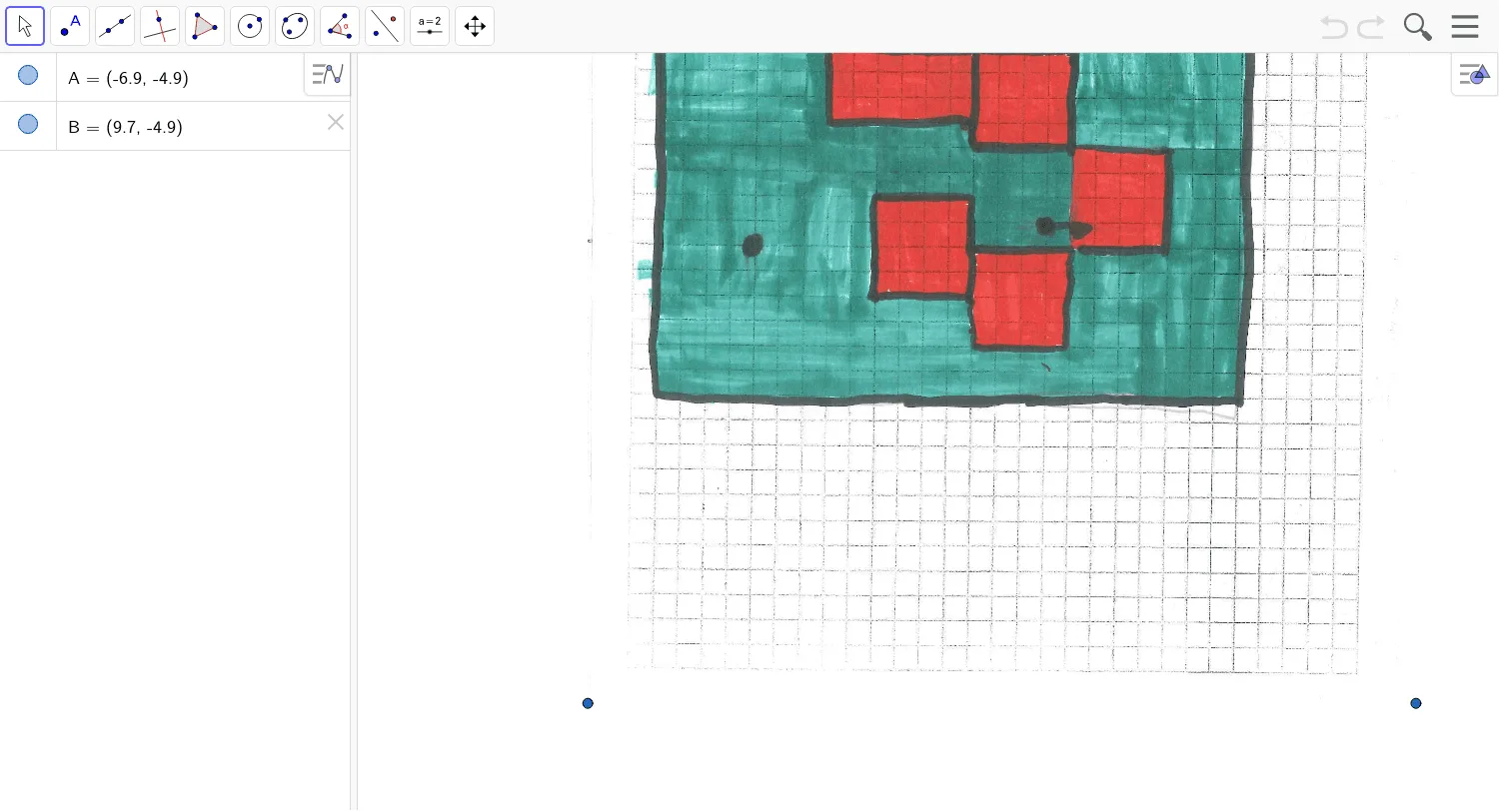
This GeoGebra example demonstrates the geometric phenomenon of curve sketching on a cylindrical surface, illustrating the application of definite integrals in area calculations. Key mathematical concepts involved include solid geometry with cylinders, curve sketching techniques, rational number operations, definite integral definitions, and properties of isosceles triangles. The construction relies on objects A and B as reference points, along with pic1 for image insertion, utilizing GeoGebra commands for plotting points, drawing curves, and shading regions. It is suitable for high school or undergraduate students to reinforce fundamentals in geometry and calculus, serving as a visual aid for classroom instruction or self-study.
GeoGebra Commands & Parameters
Point A(-6.896, -4.894000000000002)Point B(9.6784, -4.894000000000002)
AI Drawing Prompt Reference
Draw a cylinder and sketch a smooth curve on its lateral surface that connects two reference points on the base. Shade the region beneath the curve with a semi‑transparent fill to represent the definite integral area. On the base, highlight the isosceles triangle formed by the two points and the cylinder axis, and include a grid of generating lines to show the cylindrical geometry. Use a blue‑gray color scheme suitable for high‑school or undergraduate geometry and calculus instruction.
The prompt above was compiled from the original drawing commands and is for reference only.