
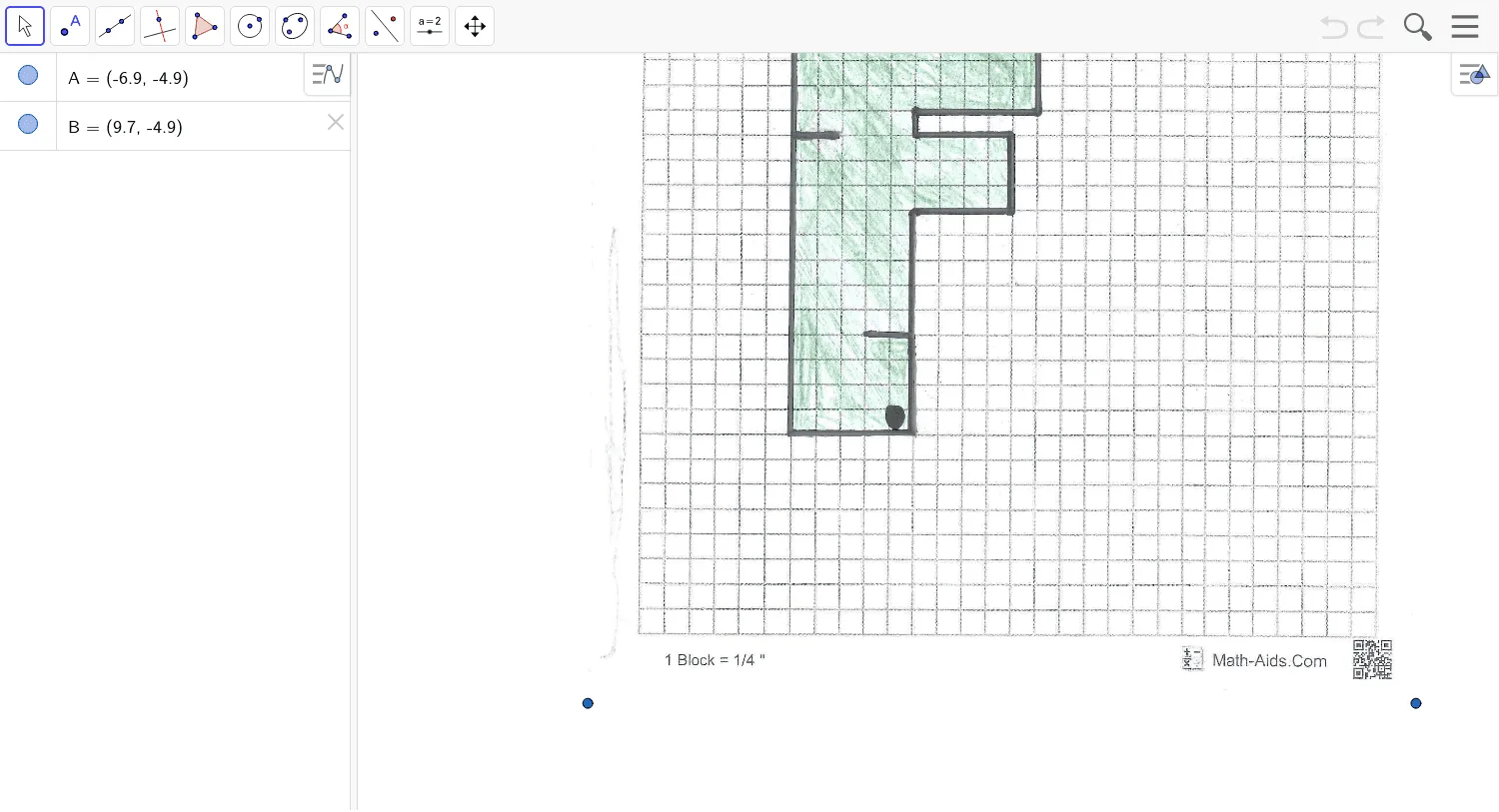
Hole 10
Loading the math board and drawing, please wait…
In collections
GeoGolf
This example demonstrates how to use GeoGebra to draw geometric figures related to circles, involving hypergeometric distribution, frequency distribution, pie charts, plane figures, and incircles. Key GeoGebra commands and objects used include A, B, and pic1, making it suitable for high school mathematics teaching and geometric construction learning.
GeoGebra Commands & Parameters
Point A(-6.896, -4.894000000000002)Point B(9.6784, -4.894000000000002)
AI Drawing Prompt Reference
Draw two points located at (-6.896, -4.894) and (9.6784, -4.894), and display their geometric relationship to form a figure related to circles, suitable for high school mathematics teaching and geometric construction learning.
The prompt above was compiled from the original drawing commands and is for reference only.