
Histogram Areas: Interpreting Distribution via Bar Regions
Loading the math board and drawing, please wait…
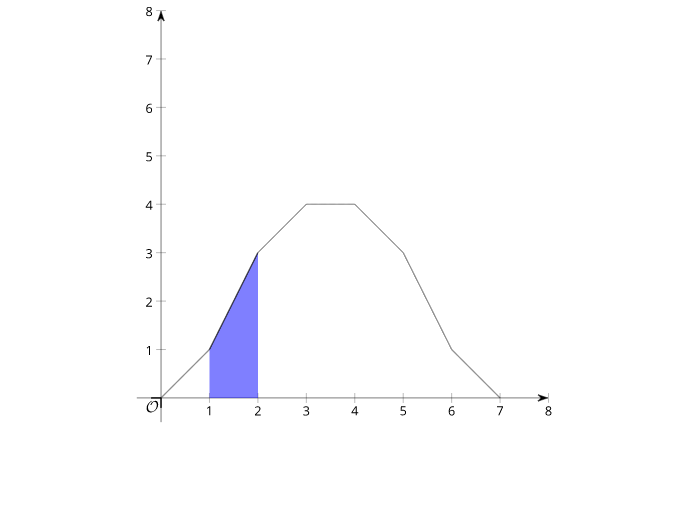
This example demonstrates how to interpret a histogram by relating the meaning of the distribution to the areas of its bar regions.
Key mathematical ideas include histograms (frequency or relative frequency), the relationship between a bar’s height and its underlying statistical measure, representing the histogram as piecewise-constant shapes over intervals, and using the coordinate plane to connect measurable quantities (bar width and height) to geometric area.
Construction highlights: while no specific GeoGebra commands are provided in the source, the example is expected to be built by creating the axes and bar shapes (typically rectangles spanning each class interval with the appropriate height), then using GeoGebra’s geometry/measurement tools to compute the area of each bar region and link the total area (or per-bar area) to the statistical interpretation of the data.
Audience: suitable for middle/high school statistics and data analysis lessons, as well as introductory probability & statistics courses where students learn the “histogram area equals frequency/relative frequency” viewpoint.
AI Drawing Prompt Reference
Draw a histogram to show data distribution. Start by drawing the coordinate axes, then draw rectangular bars for each interval, with the height of each bar representing the frequency or relative frequency of that interval. Calculate the area of each bar and explain how these areas reflect the distribution of the data.
The prompt above was compiled from the original drawing commands and is for reference only.