
Histogram Area & Probability Practice
Loading the math board and drawing, please wait…
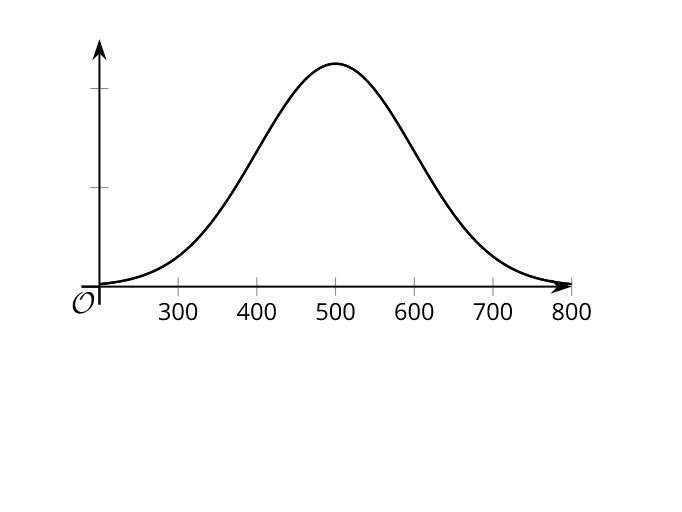
This example illustrates how the areas within a histogram can represent relative frequency or probability, particularly in an Algebra 2 statistics unit. It focuses on calculating interval areas and interpreting them as probabilities. The construction uses GeoGebra's `Histogram` command, area tools, and data input features to visualize the correspondence between area and probability. Basic arithmetic operations and geometric synthesis are also involved. Suitable for high school students and teachers exploring probability through geometric visualization.
AI Drawing Prompt Reference
Draw a histogram with horizontal axis representing data intervals and vertical axis showing frequency or relative frequency. Each bar's area represents the probability of data falling in that interval, with total area normalized to 1. Highlight one specific interval with a distinct color or shading, and label its area value to emphasize the area-probability correspondence. Include a number line below or beside the histogram to aid in understanding interval boundaries. The overall layout should clearly illustrate the equivalence between bar area and probability, suitable for high school statistics instruction.
The prompt above was compiled from the original drawing commands and is for reference only.