
Heart Generated with Parametric Equations
Loading the math board and drawing, please wait…
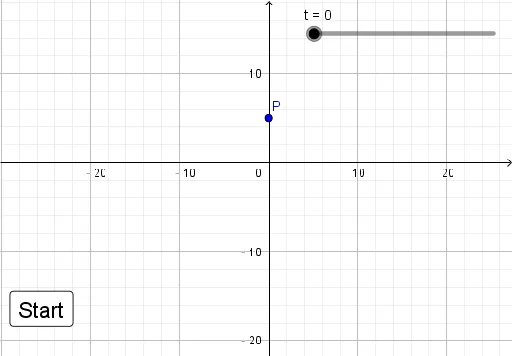
This example demonstrates how to create a heart shape using parametric equations. The key mathematical concepts involved include parametric equations, graphing functions, and geometric construction. The construction uses GeoGebra objects t, P, and button1 to dynamically generate the heart. Suitable for high school students or math enthusiasts learning about parametric equations and their applications in geometry.
GeoGebra Commands & Parameters
Numeric t(0.0)((16 * sin(t)^(3)), (13 * cos(t)) - (5 * cos((2 * t))) - (2 * cos((3 * t))) - cos((4 * t)))
AI Drawing Prompt Reference
Draw a heart-shaped curve defined by parametric equations. Start with a dynamic parameter that varies continuously. The x-coordinate is sixteen times the cube of the sine of the parameter, while the y-coordinate is thirteen times the cosine minus five times the cosine of twice the parameter, minus two times the cosine of three times the parameter, and minus the cosine of four times the parameter. As the parameter changes, these points trace a complete heart outline with a pointed bottom and smooth, rounded top. Show the curve as a continuous line, and optionally include the moving point that traces the shape.
The prompt above was compiled from the original drawing commands and is for reference only.