
Graphing Lines Using a Point and Slope
Loading the math board and drawing, please wait…
In collections
Points, Lines and Planes
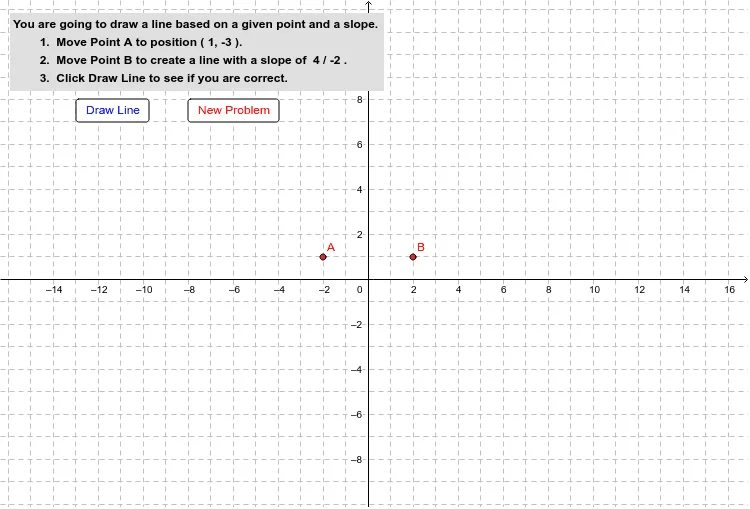
This example allows students to draw a line based on a given point and slope by manipulating two points. Key mathematical concepts include linear equations and slope. Commands used include Line, Slope, Intersect, etc. Suitable for middle school and above students to learn linear equations and geometric construction.
GeoGebra Commands & Parameters
Line(A, B) → ABSlope(AB) → mIntersect(AB, yAxis) → b
AI Drawing Prompt Reference
Draw a line by first marking a point through which the line passes and the intersection point with the y-axis. Then, use these two points to sketch the line. Next, calculate the slope of the line and label it on the graph. Finally, combine the slope and the y-intercept to clearly indicate the equation of the line, demonstrating the geometric relationship between the line and the coordinate system.
The prompt above was compiled from the original drawing commands and is for reference only.