
Graphing Lines in Standard Form
Loading the math board and drawing, please wait…
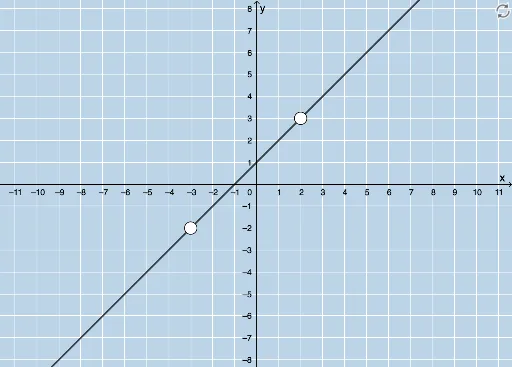
This example demonstrates graphing linear equations in standard form, involving key concepts of linear equations and coordinate geometry. It uses GeoGebra commands to generate random questions, including points, lines, and intercepts. Suitable for middle school and above students learning linear equations and coordinate geometry.
GeoGebra Commands & Parameters
Random(-6, 6) → aRandom(-6, 6) → bLCM(a, b) → cRandom(1, 4) → kLine(A, B) → gTextfield(h) → InputBox1Textfield(j) → InputBox2Textfield(m) → InputBox3Point(f) → CCircle(C, 2) → pIntersect(p, f, 2) → DFractionText(h) → text6
AI Drawing Prompt Reference
Draw a line in the standard form ax + by = c, where a and b are randomly generated integers. Create a circle with center C and radius 2. Find one of the intersection points between the circle and the line, label it as D. Input box 1 for a, input box 2 for b, and input box 3 for c.
The prompt above was compiled from the original drawing commands and is for reference only.