
Graphing Linear Inequalities by Tim Brzezinski
Loading the math board and drawing, please wait…
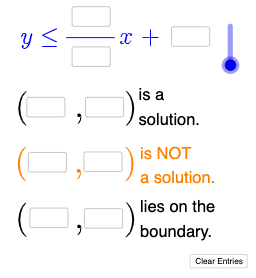
This example demonstrates how to graph linear inequalities using GeoGebra. Key mathematical concepts include linear functions and inequalities. Commands like Textfield, Mode, If are used to construct the graph of linear inequalities. Suitable for middle school and above students to learn the graphical representation of linear inequalities.
GeoGebra Commands & Parameters
Textfield(a) → InputBox1Textfield(b) → InputBox2Textfield(c) → InputBox3Textfield(d) → InputBox4Textfield(e) → InputBox5Textfield(f) → InputBox6Textfield(g) → InputBox7Textfield(h) → InputBox8Textfield(i) → InputBox9Textfield(j) → InputBox10Mode(l1) → l2If(Length[l2] ≟ 0, "No digits repeat.", "Repeated digits exist.") → text4If(l ≟ 1, "≤", "≥") → text5If(l ≟ 1, y ≤ p(x), y ≥ p(x)) → mIf(IsInRegion[k, m], "√", "X") → text6If(¬IsInRegion[A, m], "√", "X") → text7Textfield(n) → InputBox11Textfield(o) → InputBox12Textfield(r) → InputBox13Textfield(s) → InputBox14If(corr, "√", "X") → text8
AI Drawing Prompt Reference
Draw a graph of a linear inequality. First, input a linear function, such as y = 2x + 1. Then, determine the region direction based on the inequality type (≤ or ≥). Next, mark key points and use different symbols to indicate whether points are within the region. Finally, ensure the graph is clear, with labels for inequality parameters and region boundaries.
The prompt above was compiled from the original drawing commands and is for reference only.