
Geometry Construction Example: ALLEN_Ray
Loading the math board and drawing, please wait…
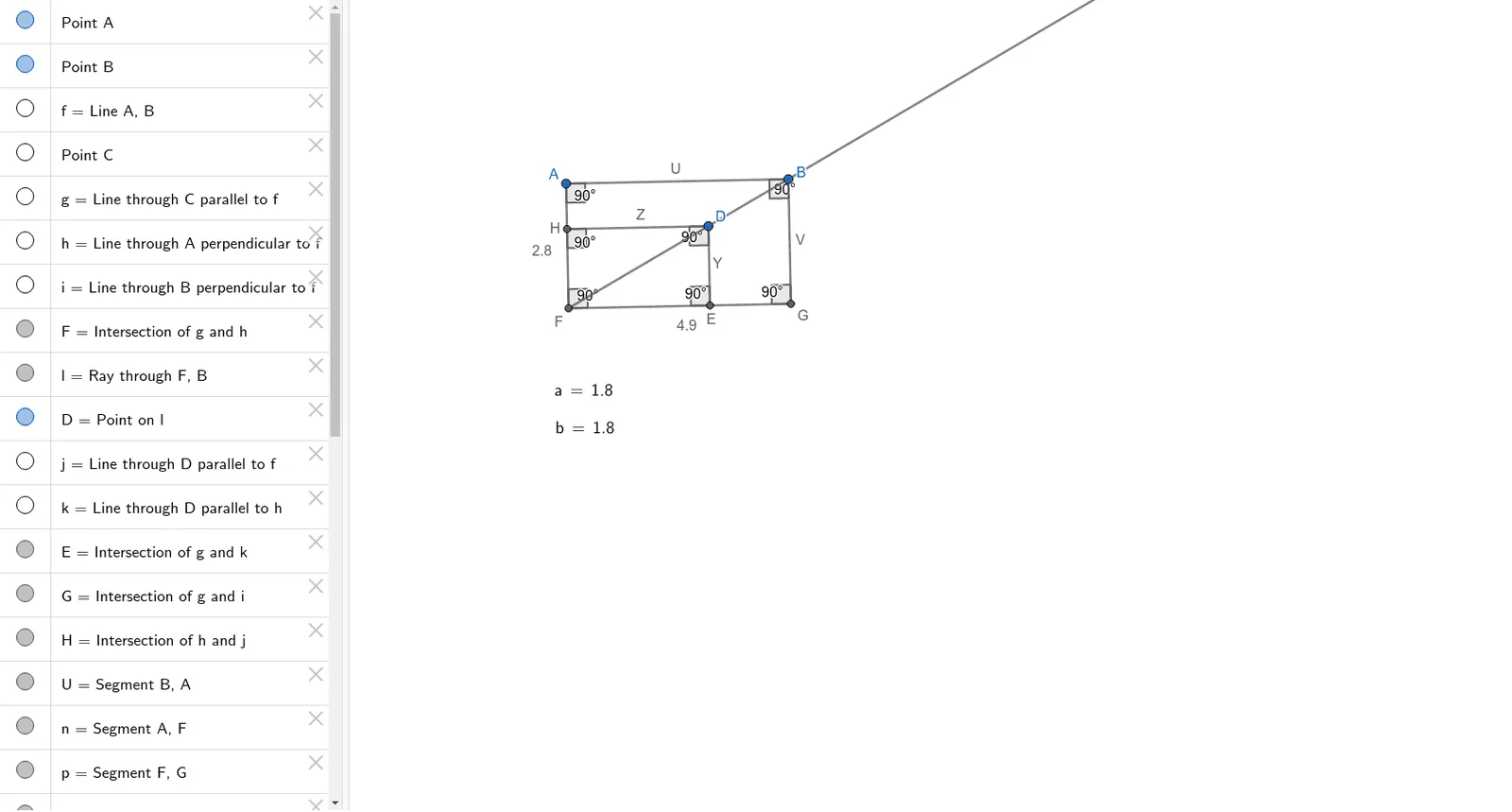
This example demonstrates how to use GeoGebra for geometric constructions. It involves key mathematical concepts such as vectors, angles, and segments. By using commands like Line, OrthogonalLine, Intersect, users can build complex geometric shapes. Suitable for high school mathematics education and learning.
GeoGebra Commands & Parameters
Line(A, B) → fLine(C, f) → gOrthogonalLine(A, f) → hOrthogonalLine(B, f) → iIntersect(g, h) → FRay(F, B) → lPoint(l) → DLine(D, f) → jLine(D, h) → kIntersect(g, k) → EIntersect(g, i) → GIntersect(h, j) → HSegment(B, A) → USegment(A, F) → nSegment(F, G) → pSegment(G, B) → VSegment(D, H) → ZSegment(D, E) → YAngle(B, A, F) → αAngle(F, G, B) → βAngle(G, B, A) → γAngle(A, F, G) → δAngle(H, D, E) → εAngle(D, E, F) → ζAngle(D, H, F) → ηLaTeX(b, true, true) → text1LaTeX(a, true, true) → text2Distance(A, B) → ABDistance(B, G) → BGDistance(H, D) → HDDistance(D, E) → DE