
Geometric visualization of an associative property
Loading the math board and drawing, please wait…
In collections
geometriadinamica.es
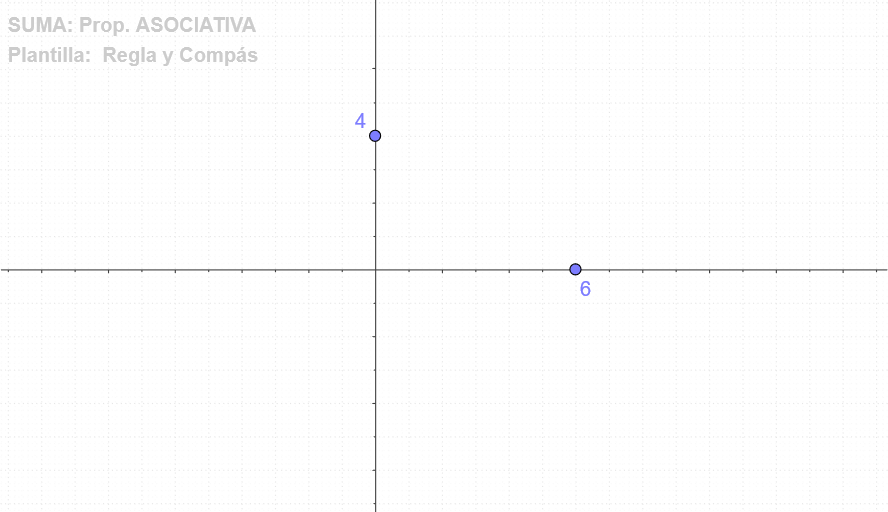
This GeoGebra example visualizes how an associative (associative/related) property can be expressed and checked within a constructed geometric configuration. It demonstrates that a structural relationship can remain consistent when the construction is organized around intersecting constraints. The key math ideas include geometric construction using orthogonality, determining dependent points via line and circle intersections, and translating an algebraic-type relation into geometric conditions. Construction-wise, the example creates key points with Point (e.g., multiple labeled points such as T7, B, A, C), draws perpendicular lines using OrthogonalLine, finds new defining points through Intersect, and establishes circular references using Circle and CircleSector. The setup highlights the role of intersecting geometric loci/constraints and supports verification of the associative behavior visually. Suitable for middle to upper secondary students and for teaching demonstrations on geometry–algebra connections.
GeoGebra Commands & Parameters
Point(yAxis) → BPoint(xAxis) → AOrthogonalLine(A, xAxis) → cOrthogonalLine(B, yAxis) → dIntersect(c, d) → CCircle(A, C) → eCircleSector(A, D, C) → fPoint(yAxis) → EOrthogonalLine(E, yAxis) → aOrthogonalLine(D, xAxis) → bIntersect(a, b) → FCircle(D, F) → gCircleSector(D, G, F) → hIntersect(c, a) → HCircle(A, H) → kCircleSector(A, I, H) → pOrthogonalLine(I, xAxis) → iIntersect(d, i) → JCircle(I, J) → qCircleSector(I, G, J) → r
AI Drawing Prompt Reference
Create a geometric visualization showing how an associative property can be expressed through intersecting constraints. Start by placing points on the coordinate axes, draw perpendicular lines from these points to the axes, and find their intersection to create a key point. Construct circles centered at this point and connect them to the original points to form sectors. Continue adding circles and sectors using intersections and perpendiculars from other points, highlighting the interconnectedness and demonstrating the associative property visually.
The prompt above was compiled from the original drawing commands and is for reference only.