
Geometric Representation of Polynomial Roots: Coordinates, Vectors and Intersect
Loading the math board and drawing, please wait…
In collections
geometriadinamica.es
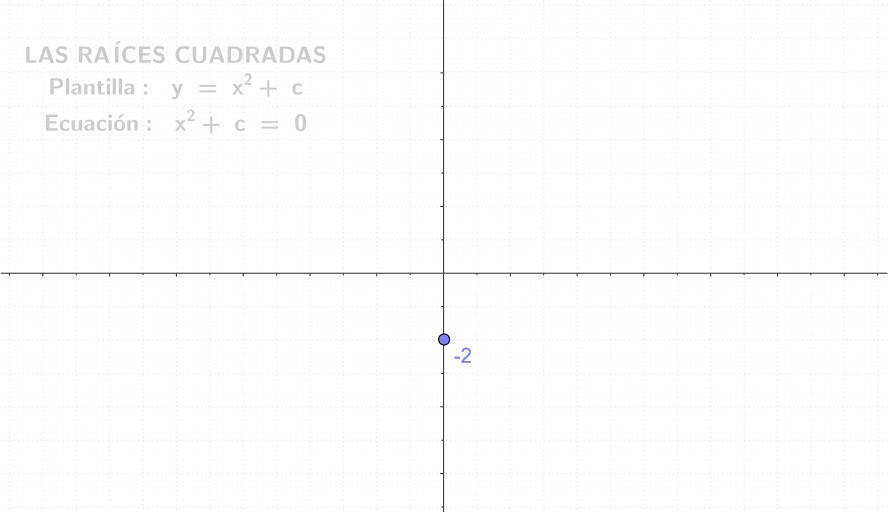
This GeoGebra applet demonstrates how to locate the roots of a polynomial visually on the coordinate plane. It covers core concepts such as polynomial functions, complex roots, coordinate geometry, and vector representation. The construction employs the commands Point, Intersect, UnitVector, and Vector to create objects including the function graph, intercept points, unit vectors, and related vectors (e.g., T7, d, C, c, T1, f, R1, R2, m1, a, u1, c2, g, m2, b, u2, S2, S1, v1, v2, T3). Ideal for high‑school and undergraduate students exploring the geometric meaning of polynomial solutions.
GeoGebra Commands & Parameters
Point(yAxis) → CIntersect(f, xAxis, 1) → R1Intersect(f, xAxis, 2) → R2UnitVector(a) → u1UnitVector(b) → u2Vector(R1, S1) → v1Vector(R2, S2) → v2
AI Drawing Prompt Reference
Draw a graph of a polynomial function, including the function graph, intercept points, unit vectors, and related vectors. First, draw the function graph, then mark the two roots of the polynomial on the x-axis. Next, mark a point on the y-axis as the starting point and draw two unit vectors pointing to the two roots. Finally, draw the vectors between the roots and from the roots to the starting point.
The prompt above was compiled from the original drawing commands and is for reference only.