
Geometric Construction of Parallelograms and Pyramids
Loading the math board and drawing, please wait…
In collections
GCSE Higher Ch8 Transformations & Constructions
This example demonstrates the geometric construction of parallelograms and pyramids, focusing on their properties and relationships. Key math concepts include parallelogram properties, pyramid volume calculation, arithmetic operations, spherical geometry, and dilation transformations. The construction utilizes GeoGebra commands like Line, OrthogonalLine, Intersect, Segment, Circle, and Angle, involving objects such as points A, B, P, and G. It is suitable for high school students studying solid geometry and coordinate geometry.
GeoGebra Commands & Parameters
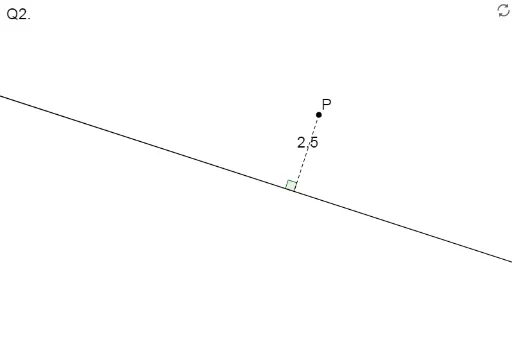
Line(A, B) → ABOrthogonalLine(P, AB) → cIntersect(AB, c) → GSegment(P, G) → PGCircle(A, d) → fOrthogonalLine(A, AB) → aIntersect(f, a, 2) → CLine(C, AB) → bIntersect(c, b) → Q1Intersect(f, a, 1) → DLine(D, AB) → eIntersect(c, e) → Q2Angle(P, G, Rotate[P, 90°, G]) → α
AI Drawing Prompt Reference
Draw a parallelogram and a pyramid, showcasing their properties and relationships. Start by drawing a line segment, then draw a perpendicular line to it, and mark their intersection point. Connect this point to one endpoint of the line segment to form one side of the parallelogram. Draw a circle with one endpoint of the line segment as the center, intersecting the perpendicular line at two points. Connect these points to the line segment to complete the parallelogram. For the pyramid, use the vertices of the parallelogram as the base, draw a perpendicular line from the center of the base to determine the height, and complete the pyramid.
The prompt above was compiled from the original drawing commands and is for reference only.