
Geometric Construction of Congruent Angles Using Segments
Loading the math board and drawing, please wait…
In collections
Section 1-5 Notes - Basic Constructions
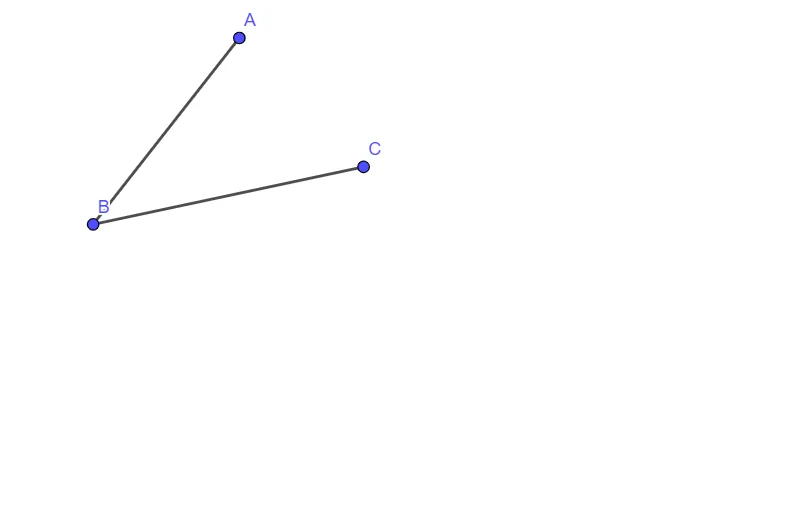
This GeoGebra example demonstrates how to construct an angle that is congruent to a given angle through a sequence of geometric construction steps. The central mathematical ideas are congruence (matching angle measures), correspondence between rays/segments, and using constructed segment relationships to replicate angle size. Construction-wise, the provided summary indicates the core use of the GeoGebra command "Segment" to create key geometric objects (A, B, f, C, g). These segments serve as the structural references needed to establish the required geometric constraints so that the resulting angle is measure-equal to the target one. Suitable for middle/high school geometry lessons on geometric constructions, angle copying, and verifying congruence, as well as for classroom demonstrations emphasizing how basic primitives can achieve precise measurement goals.
GeoGebra Commands & Parameters
Segment(A, B) → fSegment(B, C) → g
AI Drawing Prompt Reference
Draw a plane geometric setup using two line segments as reference for copying an angle. First, choose two points and draw the first segment; then choose a point that shares the same common point with the first segment and draw a second segment. The two segments should meet at the common point so they provide corresponding ray directions. Use these segment references to guide a construction that produces an angle congruent in measure to a given target angle, focusing on segment correspondence and equal angle size.
The prompt above was compiled from the original drawing commands and is for reference only.