
Construct Parallel & Perpendicular Lines
Loading the math board and drawing, please wait…
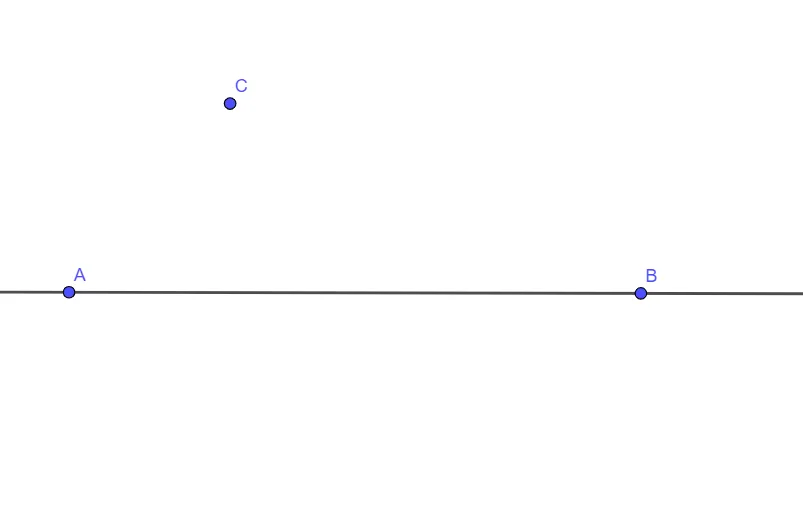
This example demonstrates how to construct parallel and perpendicular lines using GeoGebra. Key mathematical concepts include linear equations and geometric construction. The commands used include Line, from points A and B to construct a line f, and from point C to construct a perpendicular line.
GeoGebra Commands & Parameters
Line(A, B) → f
AI Drawing Prompt Reference
Place two given points on a plane and draw the straight line passing through them. Then take a third point and draw a line through this third point that is perpendicular to the previously drawn line, showing the right-angle relationship between the new line and the original one.
The prompt above was compiled from the original drawing commands and is for reference only.