
GeoGebra Practice: Solids of Rotation from a Planar Profile
Loading the math board and drawing, please wait…
This example demonstrates how to generate 3D solids by rotating a planar curve or cross-section around an axis, helping learners connect 2D geometry with 3D shapes. The key mathematical ideas include solids of rotation, the role of the axis and generating profile (mother curve/section), and how quadratic-related profiles lead to recognizable rotational forms and properties. In GeoGebra, the construction centers on creating a combined figure (pic1) that assembles the profile and the rotation axis, then applies the rotation solid construction to visualize the resulting body in 3D. It is suitable for upper secondary to early university students in solid geometry, spatial visualization, and geometry-based learning activities.
AI Drawing Prompt Reference
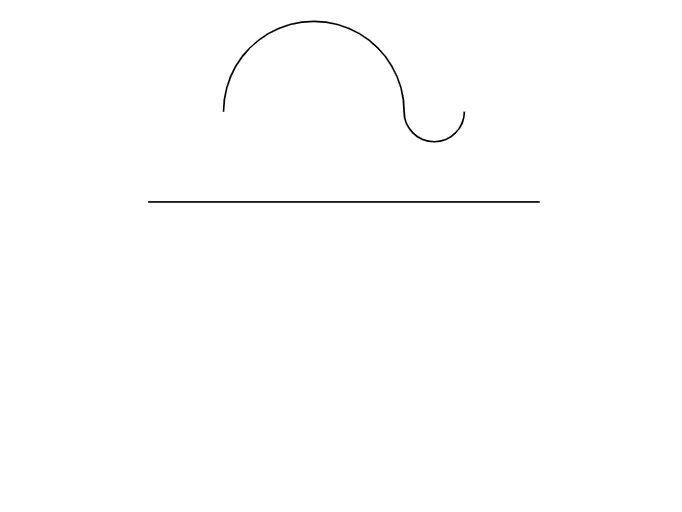
Create a combined figure with a 2D planar profile (a curve/cross-section serving as the mother curve) and a single straight line acting as the rotation axis. Place the profile in the same reference plane relative to the axis so their geometric relationship is clear. Then rotate the 2D profile around the rotation axis to generate and display the resulting 3D solid of revolution. Keep the axis fixed as the key reference object for producing the spatial body from the planar section.
The prompt above was compiled from the original drawing commands and is for reference only.