
Geo-Casse-Pong
Loading the math board and drawing, please wait…
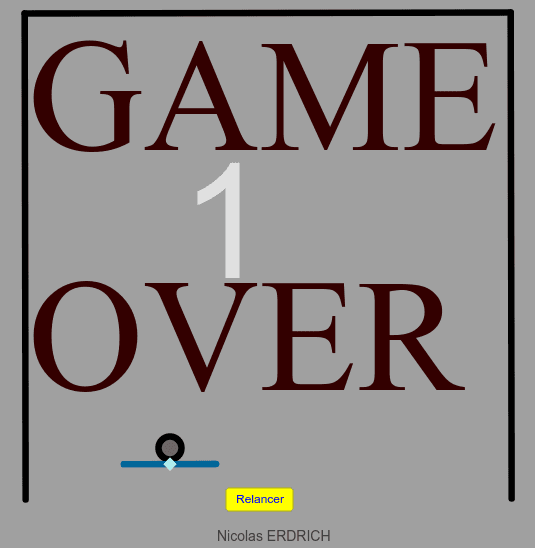
This example demonstrates an interactive game combining geometric transformations and construction. Key mathematical concepts include angles, transformations, and loci. Using GeoGebra commands such as Polygon, Point, Circle, etc., users can explore the dynamic effects of geometric transformations. Suitable for high school students and educators for teaching and learning.
GeoGebra Commands & Parameters
Polygon(F, G, 4) → poly2, g, h, i, j, H, IPoint(j) → QCircle(Q, 2) → qOrthogonalLine(Q, j) → nIntersect(q, n, 2) → SIntersect(n, h) → RCircle(R, 2) → rIntersect(r, n) → T, USegment(S, T) → sPoint(s) → VIntersect(xAxis, yAxis) → APoint(xAxis) → BPolygon(A, B, 4) → poly1, a, b, c, d, C, DPointIn(poly1) → EMirror(u, a) → vMirror(u, a) → wMirror(u, d) → zMirror(u, d) → tCircle(E, 0.5) → fCircle(J, 2) → kPoint(a) → LPoint(a) → NLine(L, N) → lCircle(J, 2) → pIntersect(p, l) → O, PCircle(V, 2) → c_1Intersect(c_1, n) → W, ZSegment(W, Z) → a_1Circle(J', 0.5) → d_1
AI Drawing Prompt Reference
Create an interactive game involving geometric transformations. Start by drawing a quadrilateral, then place a point on one of its vertices and draw a circle and a perpendicular line around that point. Find the intersections of the circle and the line, then locate the intersections of the line with the quadrilateral's sides. Use these points to draw additional circles and line segments, forming a complex geometric shape.
The prompt above was compiled from the original drawing commands and is for reference only.