
GCD Demonstration
Loading the math board and drawing, please wait…
In collections
Types of Number
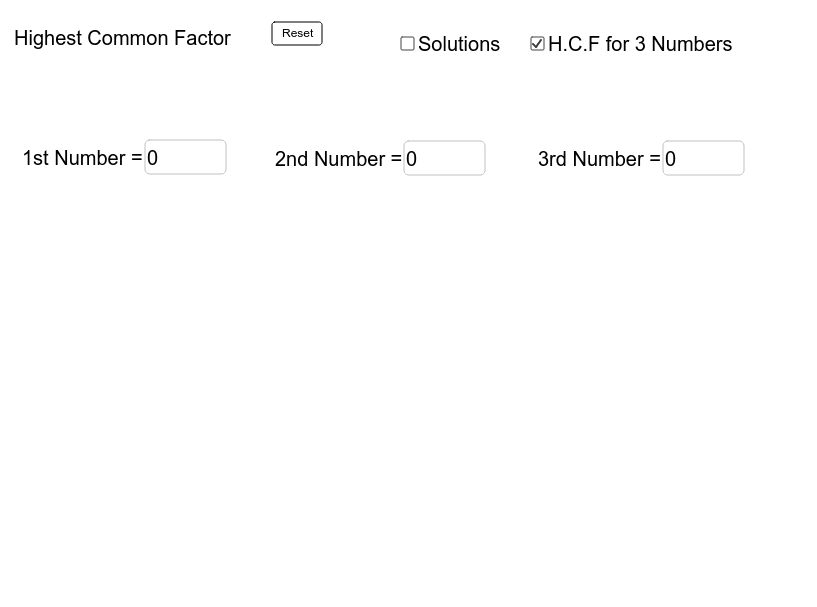
This example demonstrates how to calculate and display the Greatest Common Divisor (GCD) of two numbers and their prime factorization using GeoGebra. The core mathematical concepts involved include GCD, prime factorization, and factor calculation. The construction utilizes commands like Textfield, Factors, PrimeFactors, GCD, along with objects such as text fields, input boxes, matrices, and lists to create an interactive demonstration. It is suitable for high school mathematics education to help students understand the concept and method of calculating the GCD.
GeoGebra Commands & Parameters
Textfield(a) → inputBox1Textfield(b) → inputBox2Textfield(c) → inputBox3Factors(b) → matrix1Factors(c) → matrix2Factors(a) → matrix3PrimeFactors(a) → list1GCD(a, b) → dGCD({a, b, c}) → e
AI Drawing Prompt Reference
Create an interactive mathematical diagram showing the Greatest Common Divisor (GCD) and prime factorization of two numbers. Include three input boxes for entering numbers, with their prime factorizations displayed below in matrix form. Also, calculate and display the GCD of these two numbers and the GCD of all three numbers. The prime factorizations are shown as matrices, and the GCD values are displayed below.
The prompt above was compiled from the original drawing commands and is for reference only.