
G.1.8.2b Constructions Review Part 2
Loading the math board and drawing, please wait…
This example demonstrates geometric constructions using GeoGebra, involving operations like circle intersection, segment creation, and point placement. Core math concepts include geometric construction and coordinate geometry. Key GeoGebra commands used are Circle, Intersect, Segment, and Point, along with objects like A, B, c, d, C, D, f, text1, E, F, e, G. Suitable for high school students learning geometric constructions and coordinate geometry.
GeoGebra Commands & Parameters
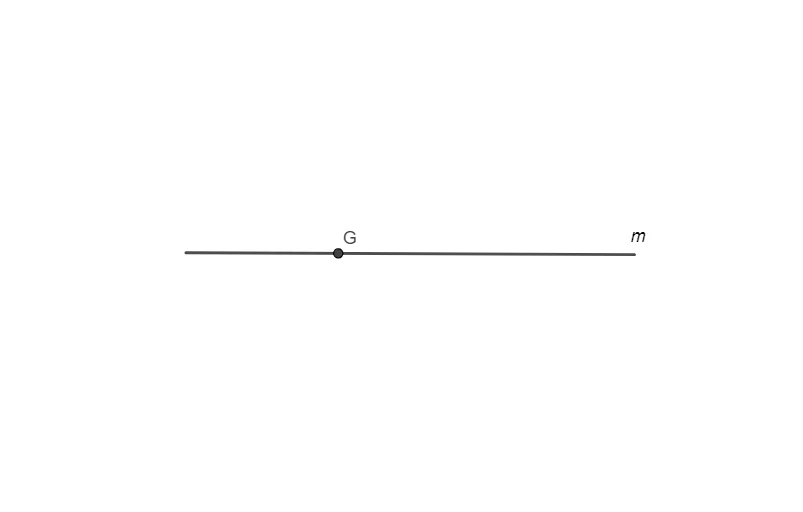
Circle(A, B) → cCircle(B, A) → dIntersect(c, d, 2) → CIntersect(c, d, 1) → DSegment(C, D) → fPoint(f) → EPoint(f) → FCircle(E, F) → eIntersect(e, f, 2) → G
AI Drawing Prompt Reference
Draw a geometric figure formed by two intersecting circles. The circles have centers at A and B, with radii equal to the distance between A and B. They intersect at points C and D. Connect C and D to form a line segment f. Mark points E and F at the midpoint of f. Draw a new circle e with centers E and F. Finally, let circle e intersect line segment f at point G. The figure should clearly show the relationships between circles, the line segment, and the points.
The prompt above was compiled from the original drawing commands and is for reference only.