
Fractions and Whole Parts
Loading the math board and drawing, please wait…
In collections
Jessica's Fraction Book
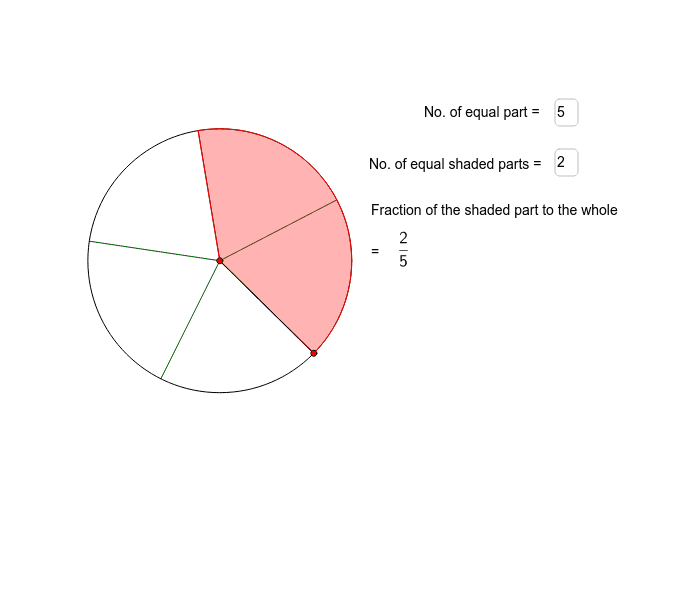
This example demonstrates the concept of fractions using circles and vectors, and how to construct them in GeoGebra. Commands used include Circle, Point, Append, CircleSector, Segment, Zip, and Textfield. Suitable for middle school and above students to learn the geometric representation of fractions.
GeoGebra Commands & Parameters
Circle(C, r) → dPoint(d) → DAppend(Sequence[Rotate[D, s, C], s, (360 / m)°, 359.9*°, (360 / m)°], Rotate[D, 359.99*°, C]) → ListP2CircleSector(C, D, Element[ListP2, j]) → Shade2Segment(C, D) → bZip(Segment[C, W], W, ListP2) → ListS2Textfield(m) → NoTextfield(j) → inputBox1
AI Drawing Prompt Reference
Draw a circle C, then place m points D on the circle evenly, each point rotating 360/m degrees around the center C to form m sectors. Use these sectors and lines connecting the center C to each point D to illustrate the concept of fractions.
The prompt above was compiled from the original drawing commands and is for reference only.