
Fraction Ordering
Loading the math board and drawing, please wait…
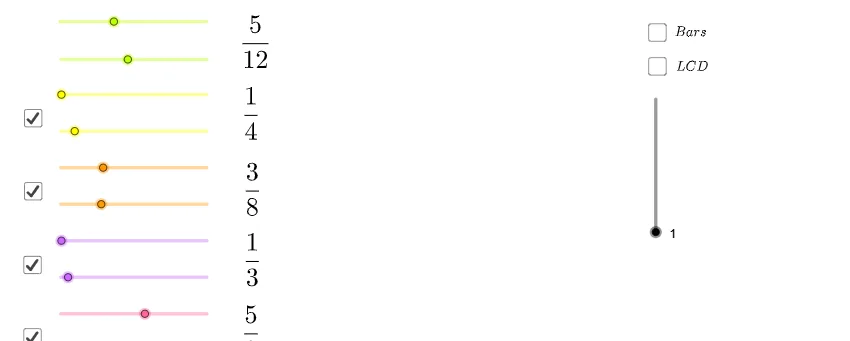
This example demonstrates how to visually compare and order fractions using area models, intuitively showing relative sizes. Core math concepts include fraction comparison, area representation, and least common multiple (LCM). It is constructed using GeoGebra commands like If, Sequence, FractionBar, and LCM to dynamically generate and sort fractions. Suitable for middle school mathematics education to enhance understanding of abstract fraction relationships.
GeoGebra Commands & Parameters
If(LCM[{If[p ≟ 1, f, 1], If[q ≟ 1, b, 1], k, If[n ≟ 1, i, 1], If[o ≟ 1, g, 1]}] < 200, LCM[{If[p ≟ 1, f, 1], If[q ≟ 1, b, 1], k, If[n ≟ 1, i, 1], If[o ≟ 1, g, 1]}]) → cSequence(Polygon[{A, A + ((6 * i), 0), A + ((6 * i), 1), A + (0, 1)}], i, 1 / b, 1, 1 / b) → list2Sequence(Polygon[{A, A + ((6 * i), 0), A + ((6 * i), 1), A + (0, 1)}], i, 1 / b, a / b, 1 / b) → list1Sequence(Polygon[{A, A + ((6 * i), 0), A + ((6 * i), 1), A + (0, 1)}], i, 1 / c, 1, 1 / c) → list3FractionBar(e, f, c, B) → list4, list5, list6, text3, text4FractionBar(h, g, c, C) → list7, list8, list9, text5, text6FractionBar(j, i, c, D) → list10, list11, list12, text7, text8FractionBar(l, k, c, E) → list13, list14, list15, text9, text10LCM({If[p ≟ 1, f, 1], If[q ≟ 1, b, 1], k, If[n ≟ 1, i, 1], If[o ≟ 1, g, 1]}) → r
AI Drawing Prompt Reference
Draw an area model to compare and order fractions. Start by generating a rectangular area based on the least common multiple (LCM). Then, use fraction bars to show the relative sizes of the fractions. Next, draw multiple rectangular areas to represent different fractions, with each area's width and height determined by the fraction value. Finally, use fraction bars to display the exact values of each fraction.
The prompt above was compiled from the original drawing commands and is for reference only.