
Fraction Addition Demo
Loading the math board and drawing, please wait…
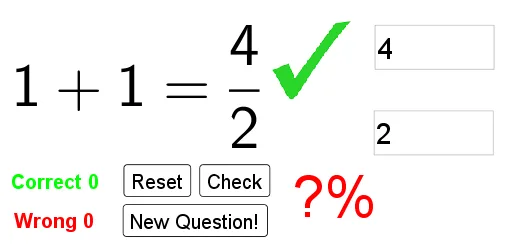
This example demonstrates the calculation and visual representation of fraction addition; involves core math concepts like fraction operations, algebraic calculations, and geometric visualization; constructed using commands like Random, FractionText, and Textfield for displaying fractions, InputBoxes for user input, and buttons for triggering calculations and scoring; suitable for middle school mathematics teaching to help students understand and master fraction addition operations.
GeoGebra Commands & Parameters
Random(2, 12) → den1Random(1, den1) → num1Random(2, 12) → den2Random(1, den2) → num2FractionText(frac1) → text1FractionText(frac2) → text2Textfield(num) → InputBox1Textfield(den) → InputBox2
AI Drawing Prompt Reference
Draw a graphic to demonstrate fraction addition. The graphic should include two fractions displayed as text boxes. Users can input the numerator and denominator, then click a button to perform calculations. The graphic should clearly show the components of fractions and the addition process to help understand fraction operations.
The prompt above was compiled from the original drawing commands and is for reference only.