
Forearm to Hand Ratio
Loading the math board and drawing, please wait…
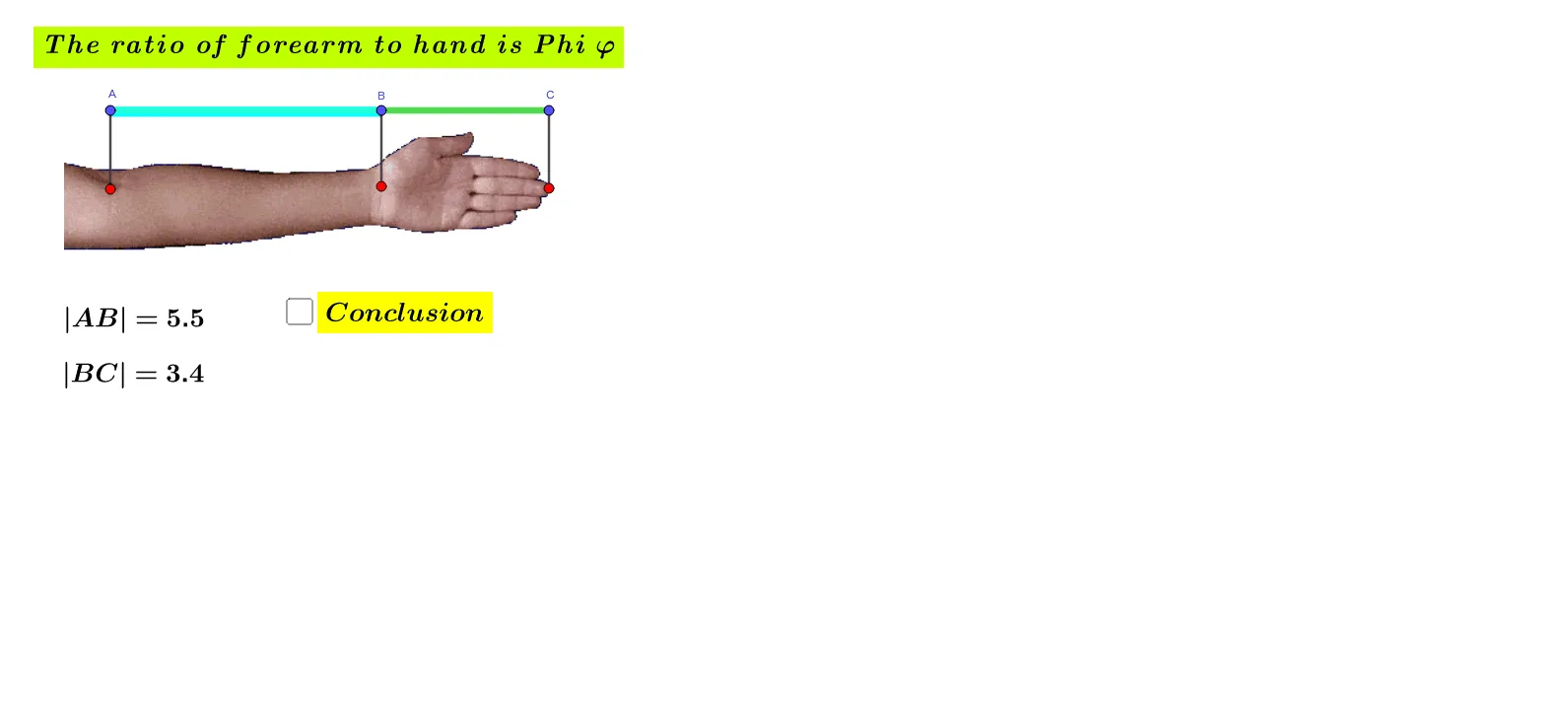
This example demonstrates how to construct and analyze the ratio of forearm to hand lengths using GeoGebra. Key math concepts include ratios, triangles, real numbers, and limits. Construction highlights involve commands like Segment, Line, Point, and objects such as tekst1, A_1, B_1, obraz1, A, B, f, C, g, D, h, i, j, E, F, k, l, tekst2, tekst3, tekst4, a, tekst5 for geometric creation. Suitable for middle school and above, exploring practical applications of ratio calculations and geometric constructions in real-world problems.
GeoGebra Commands & Parameters
Segment(A, B) → fSegment(B, C) → gSegment(D, A) → hLine(B, h) → iLine(C, i) → jPoint(i) → EPoint(j) → FSegment(B, E) → kSegment(C, F) → l
AI Drawing Prompt Reference
Draw a shape consisting of two line segments and two triangles. Start with a base line segment, then extend two line segments from one end of the base to form two triangles. In one of the triangles, draw a perpendicular line from a vertex to the opposite side, connect the intersection point back to the base line to form two new triangles. Measure and compare the side length ratios of the new triangles to illustrate the forearm to hand length ratio.
The prompt above was compiled from the original drawing commands and is for reference only.