
First Multiplication Facts
Loading the math board and drawing, please wait…
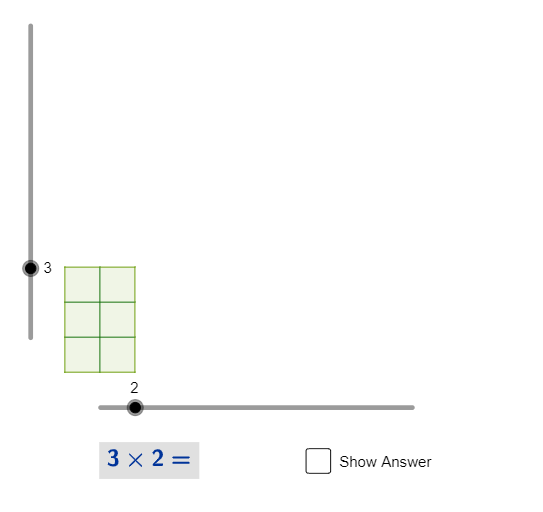
This example demonstrates the basic concept of multiplication. It uses randomly generated numbers to show multiplication operations, helping students understand the meaning of multiplication. It constructs a dynamic multiplication table using commands like Polygon, Sequence, and RandomElement. Suitable for high-grade elementary or low-grade middle school students learning multiplication.
GeoGebra Commands & Parameters
Polygon(A, B, C, D) → poly1, a, b, c, dSequence(Segment[A + (n, 0), D + (n, 0)], n, 1, Clmns - 1) → list2Sequence(Segment[A + (0, m), B + (0, m)], m, 1, Rows - 1) → list3RandomElement(list5) → p, "L"
AI Drawing Prompt Reference
Create a dynamic multiplication table with 5 rows and 5 columns, including number markings from 1 to 5 for each row and column. First, draw a quadrilateral as the base of the table, then draw horizontal and vertical segments to divide the table. Finally, randomly select a multiplication fact to demonstrate.
The prompt above was compiled from the original drawing commands and is for reference only.