
Finding Derivative Using Curve Fitting
Loading the math board and drawing, please wait…
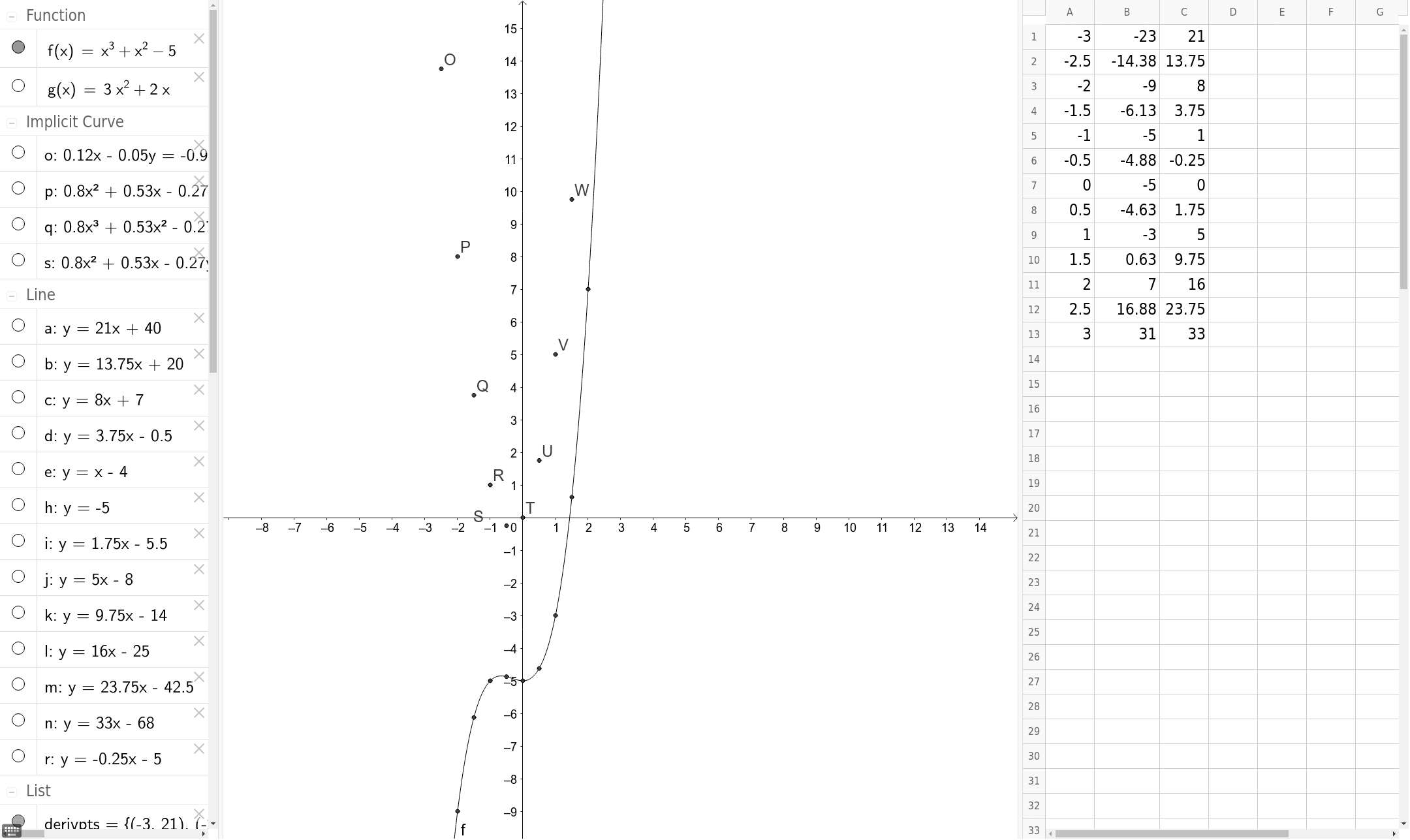
This is a work in progress example that demonstrates how to find derivatives using curve fitting. The key mathematical concept involved is the derivative. Using the Tangent and FitImplicit commands, tangents to the curve and the fitted curve are constructed. Suitable for high school math education to help students understand the concept of derivatives.
GeoGebra Commands & Parameters
Tangent(B, f) → aTangent(C, f) → bTangent(D, f) → cTangent(E, f) → dTangent(F, f) → eTangent(H, f) → hTangent(I, f) → iTangent(J, f) → jTangent(K, f) → kTangent(L, f) → lTangent(M, f) → mTangent(N, f) → nFitImplicit(derivpts, 1) → oFitImplicit(derivpts, 2) → pFitImplicit(derivpts, 3) → qTangent(G, f) → rFitImplicit(derivpts, 2) → s
AI Drawing Prompt Reference
Draw a function curve and select multiple points on it. At each selected point, construct a tangent line to the curve, making sure the tangents are clearly visible and touch the curve exactly at those points. Then, based on the slopes of these tangents, create a set of points in the coordinate plane representing the derivative values. Fit a smooth curve through these derivative points using polynomial fitting of degrees one, two, and three, and choose the best-fitting curve to approximate the derivative function. The final graph should include the original curve, the tangent lines, and the fitted derivative curve, illustrating the geometric meaning of the derivative.
The prompt above was compiled from the original drawing commands and is for reference only.