
Finding Area by Decomposing and Rearranging
Loading the math board and drawing, please wait…
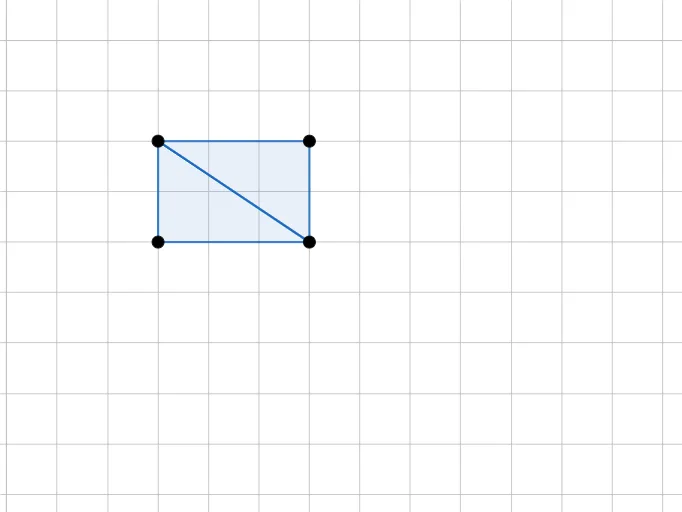
This example demonstrates how to find the area of irregular shapes by decomposing and rearranging them. Key math concepts include geometric decomposition, area calculation, and transformations. It uses GeoGebra commands like Point and Polygon for construction, suitable for upper elementary and middle school students learning area calculation methods.
GeoGebra Commands & Parameters
Point(Circle[D, 3]) → EPolygon(D, E, F) → t2, f_1, d, ePoint(Circle[G, 3]) → HPolygon(G, H, I) → t3, i, g_1, h_1
AI Drawing Prompt Reference
Draw an irregular shape to demonstrate how to find its area by decomposing and rearranging it. Start by drawing a circle and marking three points on its circumference to form a triangle. Then, draw another circle and mark three points on it to form a second triangle. Finally, combine these two triangles to create an irregular shape, showing how to calculate the area by decomposing and rearranging the shapes.
The prompt above was compiled from the original drawing commands and is for reference only.