
Expression Simplification, Evaluation, and Vertical Multiplication
Loading the math board and drawing, please wait…
In collections
EXPRESSIONS & EQUATIONS
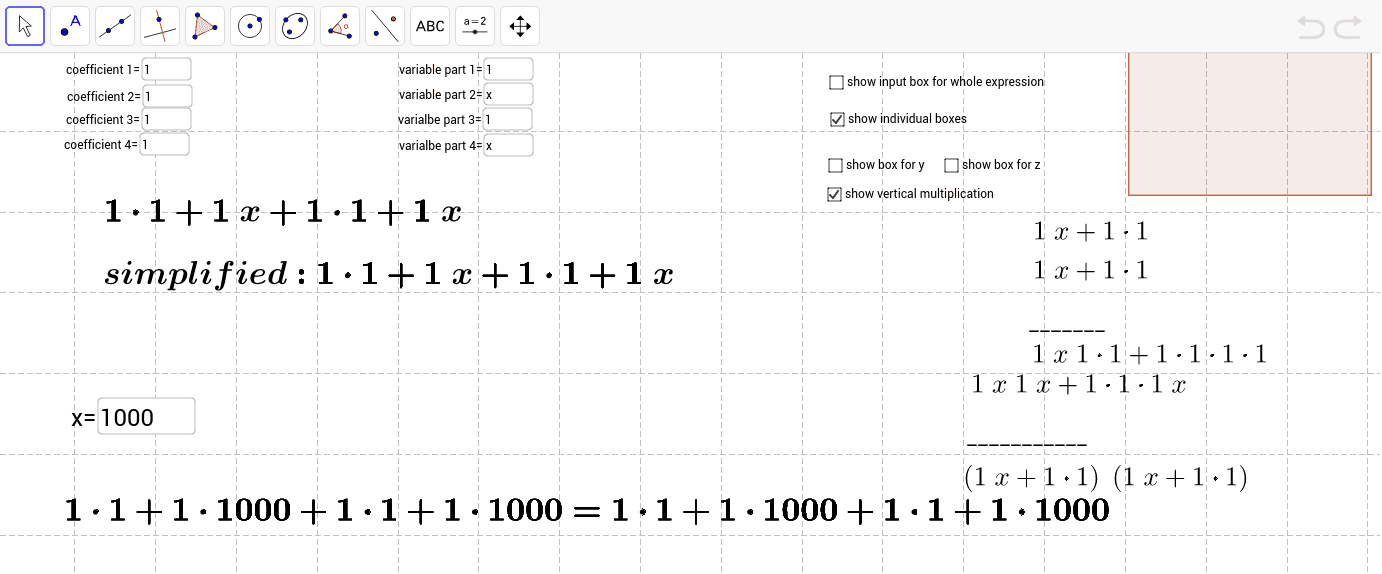
This example demonstrates how to simplify, evaluate, and multiply mathematical expressions vertically. The core math concepts involved include algebraic operations, fraction handling, and function calculations. It utilizes GeoGebra commands/objects such as Coefficients, Simplify, Textfield, Numerator, Denominator, and Polygon. Suitable for high school mathematics teaching or self-study, it combines geometric and algebraic methods for understanding expression processing.
GeoGebra Commands & Parameters
Coefficients(f) → list1Simplify(g) → hSimplify(a) → bTextfield(y_0) → inputBox3Simplify(p) → qTextfield(d) → inputBox1Numerator(d) → eDenominator(d) → iTextfield(x_0) → inputBox2Textfield(z_0) → inputBox4Textfield(coeff1) → inputBox5Textfield(coeff2) → inputBox6Textfield(coeff4) → inputBox8Textfield(k) → inputBox9Textfield(l) → inputBox10Textfield(m) → inputBox11Textfield(n) → inputBox12Simplify(o) → uPolygon(A, B, C, D) → poly1, a_1, b_1, c_1, d_1Textfield(coeff3) → inputBox7
AI Drawing Prompt Reference
Create a visual example demonstrating the simplification, evaluation, and vertical multiplication of mathematical expressions. Include input fields for coefficients and variable values, and text displays showing simplified expressions and calculation results. Use a polygon to represent geometric construction, combining algebraic expressions with geometric shapes to illustrate the process of expression manipulation.
The prompt above was compiled from the original drawing commands and is for reference only.