
Exponential Function Values
Loading the math board and drawing, please wait…
In collections
FOM 12 BC
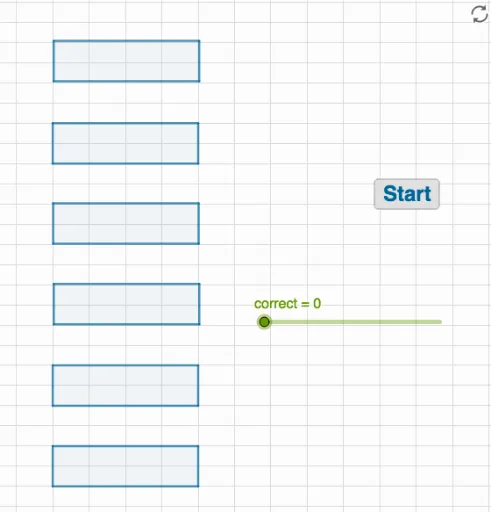
This example demonstrates how the values of exponential functions change with base and exponent. Key mathematical concepts include exponential functions, sequences, and random experiments. Using GeoGebra commands like RandomElement, Random, and Polygon, dynamic displays of exponential function graphs and properties are shown. Suitable for high school math education and learning.
GeoGebra Commands & Parameters
RandomElement(base1) → b1RandomElement(base3) → b3RandomElement({b1, b2, b3}) → bRandom(10, 100) → aPolygon(A, B, C, D) → q1, a_1, b_1, c, dPolygon(A_1, B_1, C_1, D_1) → q1_1, a_2, b_2, c_1, d_1Polygon(A_2, B_2, C_2, D_2) → q1_2, a_3, b_3, c_2, d_2Polygon(A_3, B_3, C_3, D_3) → q1_3, a_4, b_4, c_3, d_3Polygon(A_4, B_4, C_4, D_4) → q1_4, a_5, b_5, c_4, d_4Polygon(A_5, B_5, C_5, D_5) → q1_5, a_6, b_6, c_5, d_5Shuffle(list1) → list2Element(list2, 1) → e1Element(list2, 2) → e2Element(list2, 3) → e3Element(list2, 4) → e4Element(list2, 5) → e5Element(list2, 6) → e6Textfield(emptya) → InputBox1Textfield(emptyb) → InputBox2