
Exploring Types of Triangles
Loading the math board and drawing, please wait…
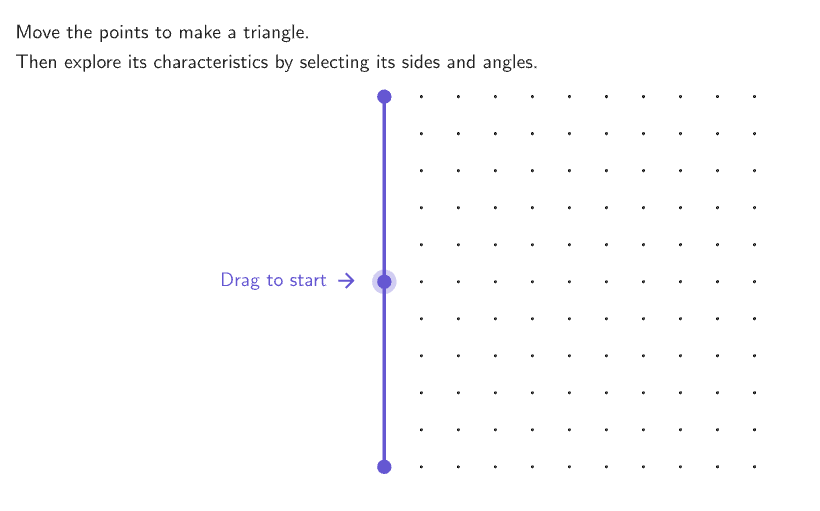
This example demonstrates how to classify triangles based on their side lengths and angle measures. Key mathematical concepts include triangle classification (equilateral, isosceles, right, etc.) and hierarchical attributes. Construction involves GeoGebra commands like Join, Point, Angle, and Polygon, with interactive tools such as Shuffle and Element. Suitable for elementary students or math lessons to enhance geometric understanding.
GeoGebra Commands & Parameters
Join(Sequence[Sequence[(j, k), j, -5, 5, 1], k, -5, 5, 1]) → bigGridPoint(bigGrid) → CPoint(bigGrid) → BPoint(bigGrid) → AAngle(C, A, B) → angBACAngle(B, C, A) → angCABAngle(A, B, C) → angABCShuffle(Sequence[15]) → randomList2, {12, 4, 14, 9, 13, 1, 11, 3, 15, 6, 8, 5, 7, 10, 2}Element(randomList2, Mod[countQuestion, 15] + 1) → randomNum2Shuffle({1, 2, 3, 4, 5}) → allCases, {4, 3, 2, 5, 1}Element(allCases, Mod[countQuestion, Length[allCases]] + 1) → caseNumIf(caseNum ≟ 1, "an obtuse", caseNum ≟ 2, "an acute", caseNum ≟ 3, "a right", caseNum ≟ 4, "a scalene", "an isosceles") → textTriangTypeShuffle({"obtuse", "acute", "right", "scalene", "isosceles"}) → allTriangTypes, {"isosceles", "obtuse", "right", "scalene", "acute"}Textfield(input1) → InputBox1Textfield(input2) → InputBox2Polygon(Zip[PixelsToPoint[Corner[1], Corner[3], Corner[5], A], A, {(pixelsLeft, pixelsTop), (pixelsLeft, y(Corner[5]) - pixelsBottom), Corner[5] - (pixelsRight, pixelsBottom), (x(Corner[5]) - pixelsRight, pixelsTop)}]) → borderBoxCorner(5) → layoutAppSizeSegment(A_{1}, B_{1}) → displaySegmentcirclePixels(B, 7 + (7 * pulsing), Corner[1], Corner[3], Corner[5]) → pulsingObjectonboardingTextOffset(Corner[onboardingText, 1], Corner[onboardingText, 3], onboardingCase, Corner[1], Corner[3], Corner[5]) → OnboardingTextOffsetElement({If[layoutX ≟ 16, layoutX - 5, 11], layoutX - 5}, layoutCase) → layoutHintSolnXPolygon(B, C, A) → t1, sideBC, sideAC, sideABSegment(A, B) → sideABdecoSegment(A, C) → sideACdecoSegment(B, C) → sideBCdecoPolygon({(-15, 0), (-6, 0), (-6, 4.5), (-15, 4.5)}) → poliAngTranslate(poliAng, Vector[(-15, 0), (-15, -5.3)]) → poliSidesAngle(A, B, C) → angABCbigAngle(C, A, B) → angBACbigAngle(B, C, A) → angCABbig
AI Drawing Prompt Reference
Create a grid-based diagram for teaching triangle classification. Randomly place three points on the grid to form a triangle, connecting them and labeling the three interior angles. Include an interactive area with a text input box for answers and a display showing the triangle type (e.g., acute, right, obtuse, isosceles, or scalene). Add a helper polygon illustrating angle types and show side length markers. The layout includes a title and explanatory text, suitable for classroom demonstration.
The prompt above was compiled from the original drawing commands and is for reference only.