
Exploring the Area of Circles
Loading the math board and drawing, please wait…
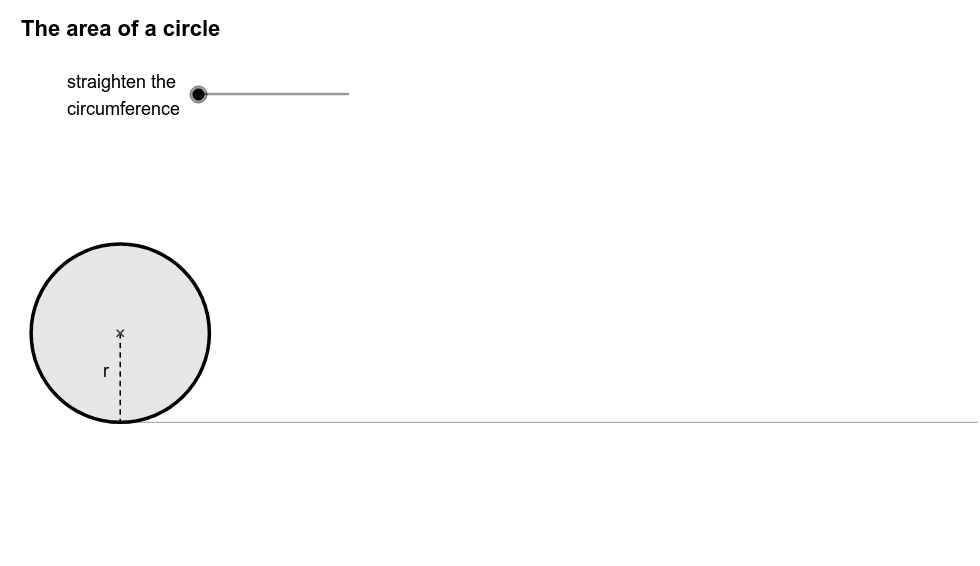
This example demonstrates the derivation of the area formula for a circle by cutting it into sectors and rearranging them into a shape close to a parallelogram. Key math concepts include circle, sector, parallelogram, limit, and integral. It utilizes GeoGebra commands and objects like Segment, Point, Min, Sequence, Max, Rotate, Sector, Arc, CurveCartesian, Circle, Ray, Midpoint, Intersect, CircleArc as per the construction summary. Suitable for high school students learning geometry and calculus to visually understand the origin of the circle's area formula.
GeoGebra Commands & Parameters
Segment(E, (x(E) + 3, y(E))) → aPoint(a) → FMin((x(F) - x(E)) / (a / 2), 1) → kPoint(yAxis) → OSequence(If[k < 1, (x(O) + l * sin(i * φ) * cos(i * φ) / sin(φ), y(O) + l * sin(i * φ) * sin(i * φ) / sin(φ)), (x(O) + l * i, y(O))], i, 0, 2 * n) → list2Sequence((x(O) + sin(i * θ), y(O) + 1 - cos(i * θ)), i, 0, 2 * n) → list1Max((x(F) - x(E)) / (a / 2) - 1, 0) → k'Rotate((x(O) + 0, y(O) + 1), -k * θ / 2, O) → ARotate(O, -k * θ / 2, O) → O'Rotate(Element[list1, 1], -k * θ / 2, O) → BSector(Rotate[Circle[(x(O) + 0, y(O) + 1), O], -k * θ / 2, O], Rotate[O, -k * θ / 2, O], Rotate[Element[list1, 1], -k * θ / 2, O]) → cRotate((x(O) + 0, y(O) + 1), -k * θ / 2, O) → CRotate(O, -k * θ / 2, O) → O'_1Rotate(Element[list1, 1], -k * θ / 2, O) → DArc(Rotate[Circle[(x(O) + 0, y(O) + 1), O], -k * θ / 2, O], O'_1, D) → dCurveCartesian(t - sin(t), 1 - cos(t), t, 0, 6.28319) → bCircle((0, 1), 1) → hRay((0, 0), (1, 0)) → iPoint(Segment[(0, 1), (6.28319, 1)]) → HSegment(H, (x(H), 0)) → jMidpoint(j) → IMidpoint(a) → JCircle(L, 1 / (1 - m)) → pCircle((0, 0), 1 / (1 - m)) → qIntersect(p, q, 1) → MCircle((0, 1), 1) → c_1Segment((0, 0), (6.283185307179586, 0)) → eSegment(G, (x(G), y(G) - 1)) → rSequence(Sector[Rotate[Translate[Circle[(x(O) + 0, y(O) + 1), Element[list1, i]], Vector[Element[list1, i], Element[list2, i]]], -(2 * i - 1) * k * θ / 2, Element[list2, i]], Rotate[Translate[Element[list1, i], Vector[Element[list1, i], Element[list2, i]]], -(2 * i - 1) * k * θ / 2, Element[list2, i]], Rotate[Translate[Element[list1, i + 1], Vector[Element[list1, i], Element[list2, i]]], -(2 * i - 1) * k * θ / 2, Element[list2, i]]], i, 1, n) → list3Sequence(Sector[Rotate[Rotate[Translate[Circle[(x(O) + 0, y(O) + 1), Element[list1, i]], Vector[Element[list1, i], Element[list2, i]]], -(2 * i - 1) * k * θ / 2, Element[list2, i]], 180° * k', (x(O) + n * l - sin(θ / 2) / 2, y(O) + cos(θ / 2) / 2)], Rotate[Rotate[Translate[Element[list1, i], Vector[Element[list1, i], Element[list2, i]]], -(2 * i - 1) * k * θ / 2, Element[list2, i]], 180° * k', (x(O) + n * l - sin(θ / 2) / 2, y(O) + cos(θ / 2) / 2)], Rotate[Rotate[Translate[Element[list1, i + 1], Vector[Element[list1, i], Element[list2, i]]], -(2 * i - 1) * k * θ / 2, Element[list2, i]], 180° * k', (x(O) + n * l - sin(θ / 2) / 2, y(O) + cos(θ / 2) / 2)]], i, n + 1, 2 * n) → list4CircleArc((0, 1 / (1 - m)), O, L) → s
AI Drawing Prompt Reference
Draw a circle centered at the origin with a radius of 1, and then divide it into multiple sectors. Rearrange these sectors along the x-axis to form a shape that is approximately a parallelogram. First, draw the circle, then draw the x-axis. Next, divide the circle into sectors and rearrange them along the x-axis to form the parallelogram-like shape. Finally, draw the boundary lines of this parallelogram-like shape.
The prompt above was compiled from the original drawing commands and is for reference only.