
Exploring Parallelograms: Geometric Construction and Mathematical Concepts
Loading the math board and drawing, please wait…
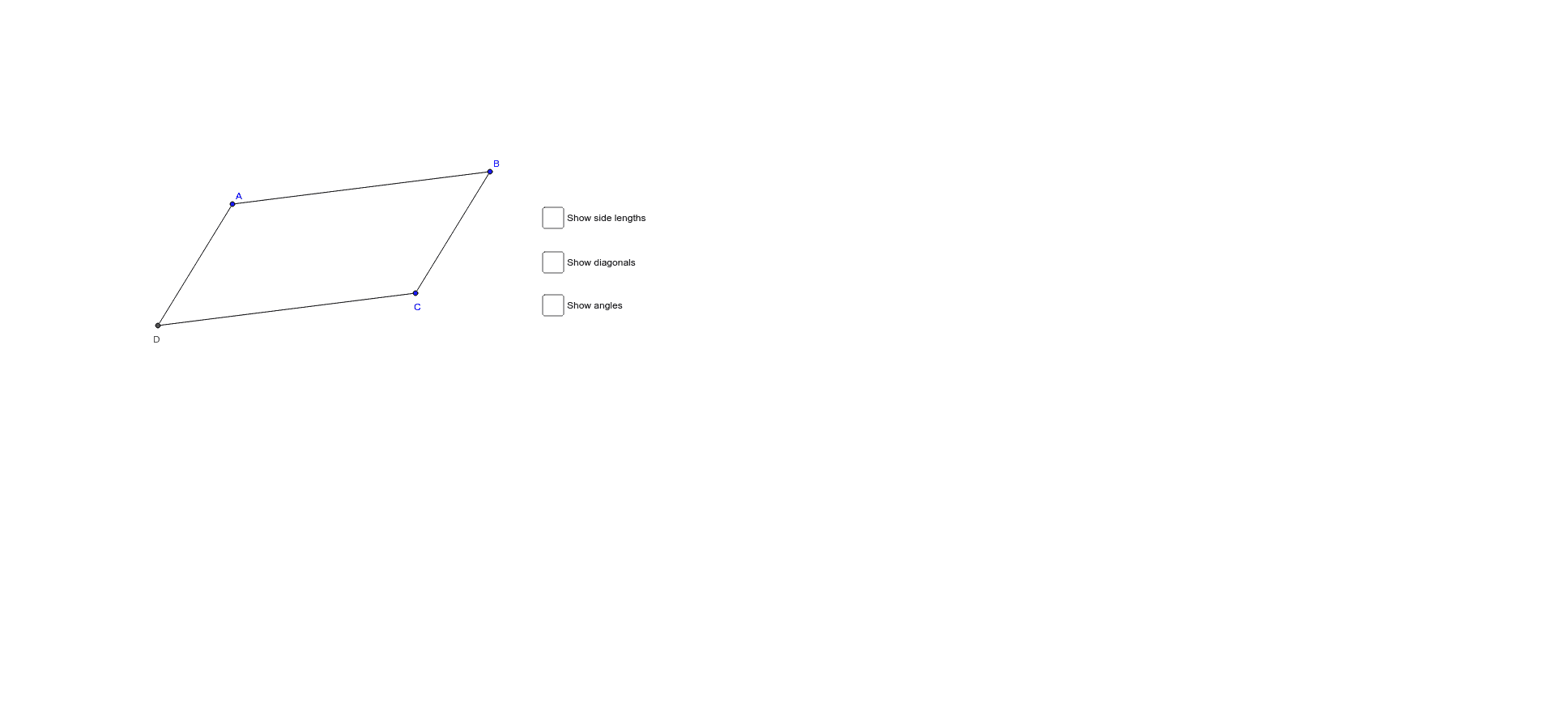
This example demonstrates properties of parallelograms using GeoGebra, including concepts like parallel sides and area calculation. Construction involves commands such as Segment, Line, and Intersect to create parallelograms and analyze angle relationships. Suitable for middle school students or math teaching assistance.
GeoGebra Commands & Parameters
Segment(A, B) → aLine(C, a) → bSegment(B, C) → cLine(A, c) → dIntersect(b, d) → DSegment(C, D) → eSegment(D, A) → fSegment(B, D) → BDSegment(A, C) → ACAngle(D, A, B) → αAngle(A, B, C) → βAngle(B, C, D) → γAngle(C, D, A) → δSegment(A, D) → jSegment(D, C) → kSegment(C, B) → lSegment(B, A) → mIntersect(BD, AC) → ESegment(B, E) → nSegment(C, E) → pSegment(A, E) → qSegment(D, E) → r
AI Drawing Prompt Reference
Draw a parallelogram by first creating a base segment and an adjacent side. Through the far endpoint of the base, draw a line parallel to the side; through the far endpoint of the side, draw a line parallel to the base. Their intersection gives the fourth vertex. Connect this vertex to both endpoints of the base to complete the quadrilateral. Then draw both diagonals and mark their intersection point. Label the four interior angles, and draw four segments from the intersection point to each vertex to show that the diagonals bisect each other.
The prompt above was compiled from the original drawing commands and is for reference only.