
Area of Parallelograms and Triangles by ctmathnut
Loading the math board and drawing, please wait…
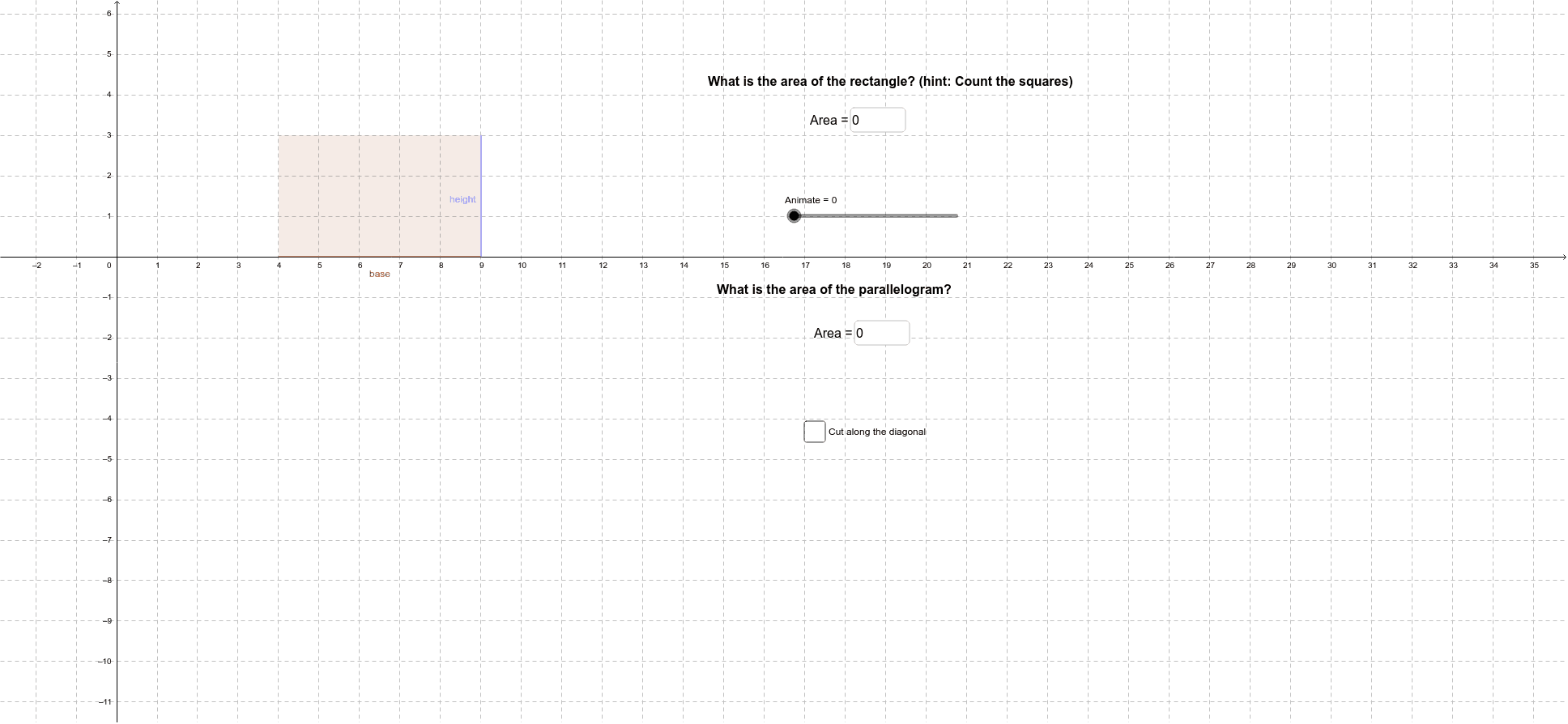
This example demonstrates the area formulas for parallelograms and triangles using dynamic geometry tools. Key mathematical concepts include area calculation, similarity of triangles, and geometric construction. The construction involves using GeoGebra commands like Point, Polygon, and Segment to create shapes, and Textfield to label formulas. Suitable for middle school or high school students to understand area concepts and geometric applications.
GeoGebra Commands & Parameters
Point(xAxis) → APoint(xAxis) → DPolygon(A, B, C, D) → poly1, a, b, c, baseTextfield(e) → inputBox1Point(b) → EPolygon(B, E, A) → poly2, a_1, b_1, e_1Polygon(E, F, D, A) → poly3, e_2, f_1, d_1, a_2Polygon(C, D, F) → poly4, height, c_1, d_2Polygon(A, E, C, D) → poly5, a_3, e_3, c_2, d_3Point(xAxis) → HPolygon(J, K, L) → poly7, l, j, kTextfield(m) → inputBox2Segment(A, E) → fPolygon(G, M, N) → poly6, n, g, m_1Segment(A, L) → dPolygon(A, E, L) → poly8, l_1, a_4, e_4
AI Drawing Prompt Reference
Place two points on the x-axis as endpoints of the base of a parallelogram, then add two more points above to form the parallelogram, with an input box for its area formula. Next, use a point on the base to construct a triangle sharing sides with the parallelogram, and continue building several triangles and quadrilaterals to show area relationships. Elsewhere on the x-axis, place another point and construct a separate triangle with its own area formula input box. Finally, connect some points with segments and construct two additional triangles to complete the demonstration of area formulas for parallelograms and triangles.
The prompt above was compiled from the original drawing commands and is for reference only.