
Exploring Other Bases
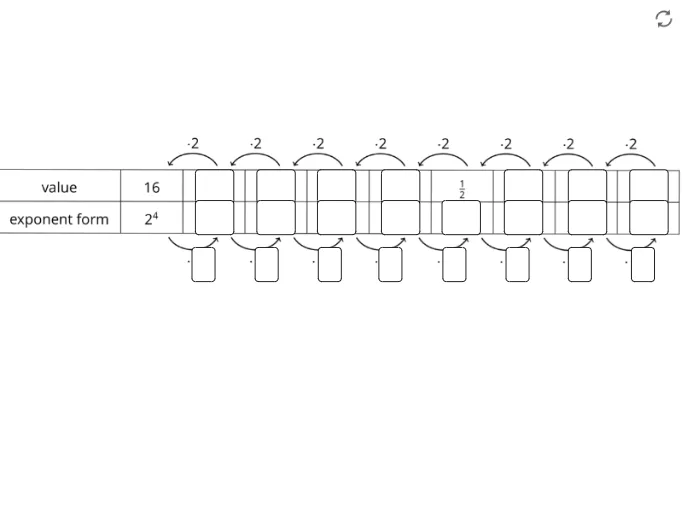
Loading the math board and drawing, please wait…
This example demonstrates the representation and conversion between different bases (e.g., binary, octal). It involves core math concepts like base conversion, numerical representation, and logical operations. The construction summary utilizes GeoGebra commands/objects such as Textfield, points G-H, L, C, D, pic2, functions f1-f22, and InputBoxes for graphical display and interactive input. Suitable for middle school students and above learning base systems or as a tool for math clubs.
GeoGebra Commands & Parameters
Textfield(f1) → InputBox1Textfield(f2) → InputBox2Textfield(f3) → InputBox3Textfield(f4) → InputBox4Textfield(f5) → InputBox5Textfield(f6) → InputBox9Textfield(f7) → InputBox6Textfield(f8) → InputBox8Textfield(f9) → InputBox28Textfield(f9) → InputBox10Textfield(f10) → InputBox11Textfield(f11) → InputBox12Textfield(f12) → InputBox13Textfield(f13) → InputBox14Textfield(f14) → InputBox15Textfield(f15) → InputBox16Textfield(f16) → InputBox17Textfield(f17) → InputBox19Textfield(f18) → InputBox20Textfield(f19) → InputBox21Textfield(f20) → InputBox22Textfield(f21) → InputBox23Textfield(f22) → InputBox24Textfield(f23) → InputBox25Textfield(f24) → InputBox18
AI Drawing Prompt Reference
Create a graphic to demonstrate base conversion between different systems, such as binary and octal. Use input boxes to enter numbers and display the conversion results in different bases. First, create input boxes for entering numbers, then create text fields to show the conversion results for binary, octal, etc.
The prompt above was compiled from the original drawing commands and is for reference only.