
Exploring Dilations by Molly Potter
Loading the math board and drawing, please wait…
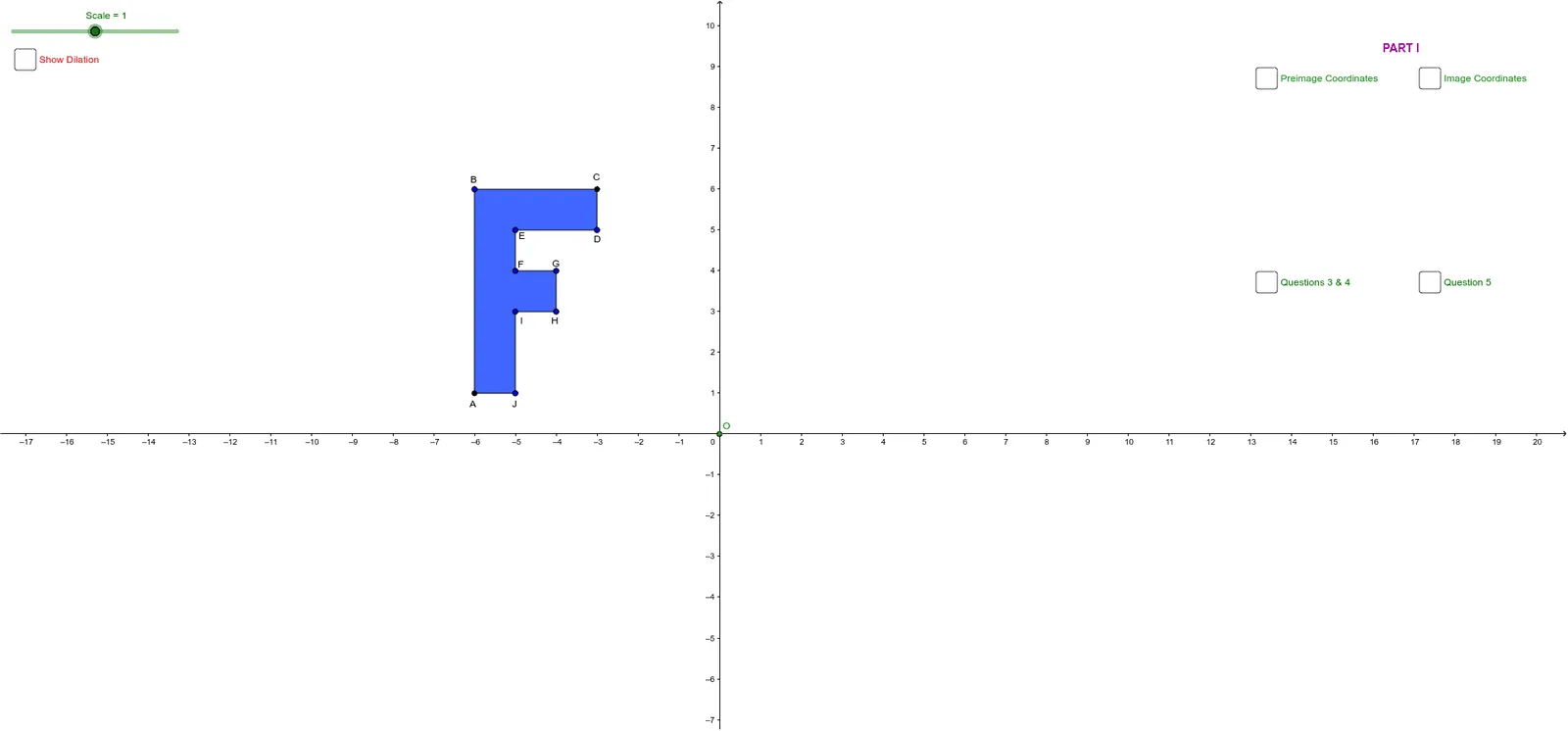
This example demonstrates the effects of dilation on a rhombus and its incircle. It involves core math concepts like dilation, similar triangles, incircle, and trigonometric functions. Construction highlights include using GeoGebra commands such as Polygon, Intersect, Dilate, PointIn, and Distance. Suitable for middle school and above students learning geometric transformations and properties.
GeoGebra Commands & Parameters
Polygon(A, B, C, D, E, F, G, H, I, J) → poly1, a, j, b, c, d, e, f, g, h, iIntersect(xAxis, yAxis) → ODilate(A, Scale, O) → A'Dilate(B, Scale, O) → B'Dilate(C, Scale, O) → C'Dilate(D, Scale, O) → D'Dilate(E, Scale, O) → E'Dilate(F, Scale, O) → F'Dilate(G, Scale, O) → G'Dilate(H, Scale, O) → H'Dilate(I, Scale, O) → I'Dilate(J, Scale, O) → J'Polygon(A', B', C', D', E', F', G', H', I', J') → poly1'_1, a'_1, j'_2, b'_2, c'_2, d'_2, e'_2, f'_2, g'_2, h'_2, i'_2PointIn(poly1) → Pointpoly1PointIn(poly1'_1) → Pointpoly1'1Distance(B2, B4) → distanceB2B4Distance(A', C') → distanceA'C'Distance(A, C) → distanceAC
AI Drawing Prompt Reference
Draw a rhombus and its incircle, then dilate all vertices of the rhombus and the incircle by the same scale factor centered at the center of the rhombus to create two similar shapes, and label the original and dilated figures. Calculate and display the lengths of the diagonals of the original rhombus and the lengths of corresponding sides before and after dilation.
The prompt above was compiled from the original drawing commands and is for reference only.