
Exploring Dilations by Caden Burrell
Loading the math board and drawing, please wait…
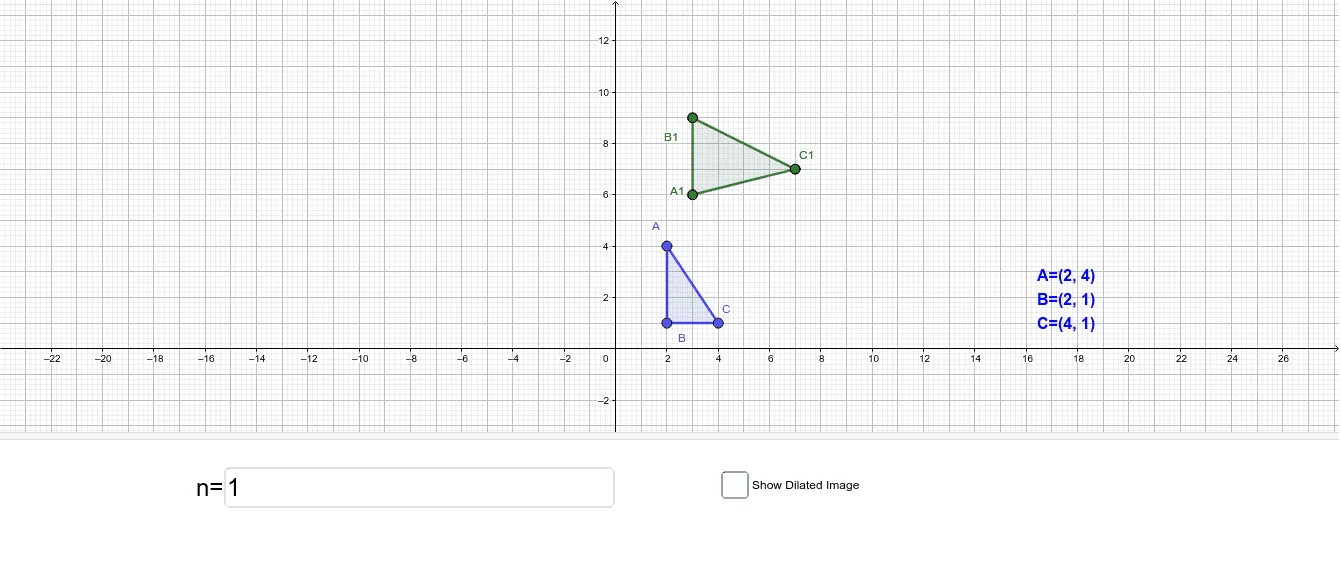
This example demonstrates the application of dilation in plane geometry, showcasing its properties through the construction of similar figures. Core math concepts include center of dilation, scale factor, and similar figures. GeoGebra commands like Polygon and Textfield, along with objects A, B, C, n, A', B', C' are used to illustrate the transformation process via slider animations. Suitable for high school students learning geometric transformations and similarity.
GeoGebra Commands & Parameters
Polygon(A', C', B') → t1, b', a', c'Polygon(A, C, B) → t2, b, a, cTextfield(n) → InputBox2Polygon(B1, A1, C1) → t3, f, d_1, e
AI Drawing Prompt Reference
Draw a plane geometry figure illustrating a dilation transformation. Start with a triangle, then construct its dilated image triangle such that lines connecting corresponding vertices meet at a common center of dilation. Include a slider-controlled scale factor that dynamically resizes the image triangle, and an input box to enter the scale factor numerically. The figure should show two similar triangles, the dilation center, and auxiliary lines joining corresponding vertices, with the whole construction responding to changes in the scale factor.
The prompt above was compiled from the original drawing commands and is for reference only.