
Exploring Congruence through Transformations
Loading the math board and drawing, please wait…
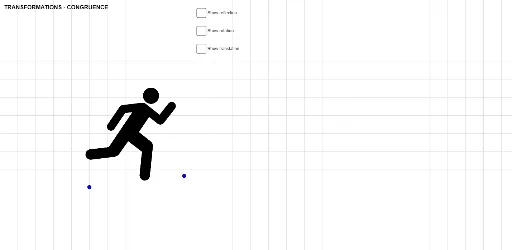
This example demonstrates the concept of congruence in geometry through transformations using GeoGebra. It involves core mathematical concepts such as congruence, transformations (reflection, rotation, translation), vectors, and special points. Key GeoGebra commands used include Mirror, Rotate, Vector, and Translate, with objects like C, D, pic2, and angle. Suitable for middle school and above, it helps students understand the relationship between geometric transformations and congruent figures, fostering spatial reasoning skills.
GeoGebra Commands & Parameters
Mirror(pic2, f) → pic2'Rotate(pic2, angle, D) → pic2'_1Vector(D, A) → uTranslate(pic2'_1, u) → pic1
AI Drawing Prompt Reference
Draw a triangle and then create a congruent triangle through transformations. First, mirror the triangle to get the mirrored triangle. Then, rotate the mirrored triangle around point D to get the rotated triangle. Next, draw a vector from point D to point A. Finally, translate the rotated triangle using the vector to get the final triangle.
The prompt above was compiled from the original drawing commands and is for reference only.