
Explore the Cube and Its Net
Loading the math board and drawing, please wait…
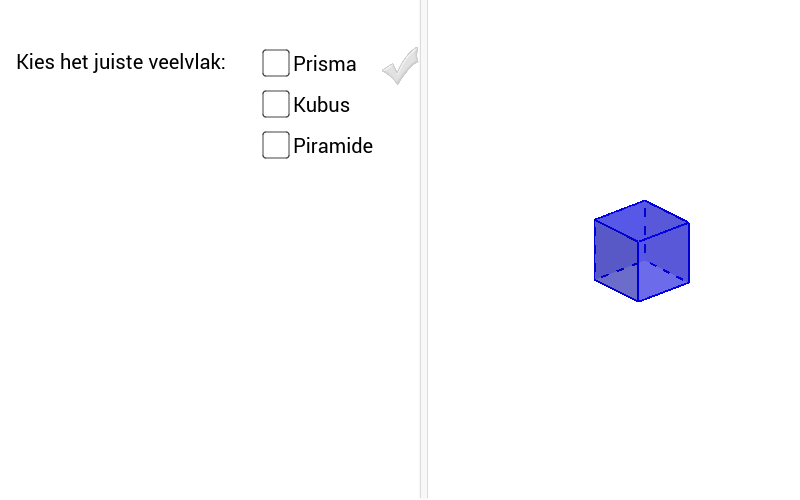
This example demonstrates the structure and relationships of a cube and its net. It involves core math concepts like solid geometry, polygons, vectors, and surface area calculation. Construction highlights the use of commands like Polygon, Prism, Net, and Vector in GeoGebra. Suitable for middle school and above students learning solid geometry, spatial visualization, and geometric construction.
GeoGebra Commands & Parameters
Polygon(A, B, 4, xOyPlane) → poly1, f, g, h, i, C, DPrism(poly1, 2) → a, F, Kante1, Kante2, Kante3, Kante4, Kante5, Kante6, Kante7, Kante8, G, H, I, Fläche1, Fläche2, Fläche3, Fläche4, Fläche5Net(a, b) → c, J, S, T, U, V, W, FlächeJKLM, FlächeJKON, FlächeKLQP, FlächeLMSR, FlächeJMTU, K, FlächeNOVW, KanteJK, KanteKL, KanteLM, KanteJM, KanteJN, KanteNO, KanteKO, KanteKP, KantePQ, L, KanteLQ, KanteLR, KanteRS, KanteMS, KanteMT, KanteTU, KanteJU, KanteOV, KanteVW, KanteNW, M, N, O, P, Q, RPrism(poly1, 2) → m, R_1, Kante9, Kante10, Kante11, Kante12, Kante13, Kante15, Kante16, Kante14, S_1, T_1, U_1, Fläche6, Fläche8, Fläche9, Fläche7, Fläche10Vector(V_1, W_1) → u
AI Drawing Prompt Reference
Draw a cube in 3D space with a square base on the horizontal plane, then extrude it upward to form the cube, showing all edges and faces. Next, unfold the cube's surface into a flat net, displaying how the six square faces connect along edges to form a cross-like or similar pattern. Finally, add a vector from one vertex to an adjacent vertex in the net to indicate direction or edge length. The overall figure should clearly show the correspondence between the solid cube and its planar net, suitable for educational demonstration.
The prompt above was compiled from the original drawing commands and is for reference only.