
Explore Properties of a Kite
Loading the math board and drawing, please wait…
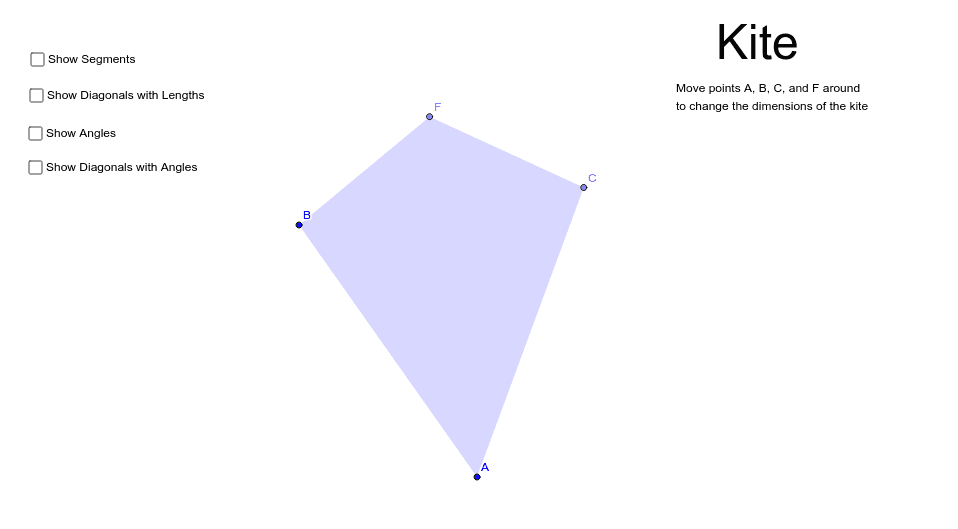
This example uses GeoGebra to demonstrate the properties of a kite. Key mathematical concepts include the diagonal properties, symmetry, and angle relationships of a kite. Using commands such as Segment, Circle, Point, AngularBisector, Intersect, Polygon, and Angle, the kite is constructed and its properties are explored. Suitable for middle school and above students to learn geometric construction and property exploration.
GeoGebra Commands & Parameters
Segment(A, B) → aCircle(A, B) → cPoint(c) → CSegment(A, C) → bAngularBisector(a, b) → d, eIntersect(c, d) → D, EPoint(d) → FPolygon(B, A, C, F) → poly1, b_1, a_1, c_1, fAngle(B, F, C) → αAngle(F, C, A) → βAngle(C, A, B) → γAngle(A, B, F) → δSegment(A, F) → iSegment(C, B) → jIntersect(i, j) → GAngle(F, G, B) → εAngle(C, G, F) → ζAngle(A, G, C) → ηAngle(B, G, A) → θAngle(B, F, G) → ιAngle(G, F, C) → κAngle(G, C, A) → λAngle(F, C, G) → μAngle(C, A, G) → νAngle(G, A, B) → ξAngle(G, B, F) → οAngle(A, B, G) → ρSegment(G, F) → lSegment(G, A) → mSegment(B, G) → nSegment(G, C) → p