
Evaluating Functions Algebraically
Loading the math board and drawing, please wait…
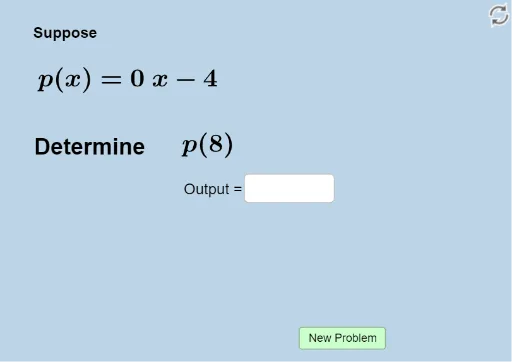
This example demonstrates how to evaluate the output of functions expressed algebraically. Key mathematical concepts include functions, polynomial functions, and median value. Using GeoGebra commands such as Random and Textfield, it generates random function evaluation questions and provides feedback. Suitable for high school mathematics education and learning.
GeoGebra Commands & Parameters
Random(-5, 5) → aRandom(-5, 5) → bRandom(-5, 5) → cRandom(-5, 5) → dRandom(-5, 5) → eRandom(-8, 8) → iTextfield(n) → InputBox1Random(1, 4) → k
AI Drawing Prompt Reference
Create an interactive teaching interface for practicing algebraic function evaluation. Display a randomly generated polynomial function with five random integer coefficients and a constant term, along with a random input value. Include a text input box for students to enter their computed result. Below, show a feedback area that randomly selects a median-based hint or correctness message. Keep the layout clean, emphasizing the function expression, input box, and feedback region, suitable for high school classroom use.
The prompt above was compiled from the original drawing commands and is for reference only.