
Euclid: The Game—Level 5: Modeling Right-Triangle Geometry with Algebra/Calculus
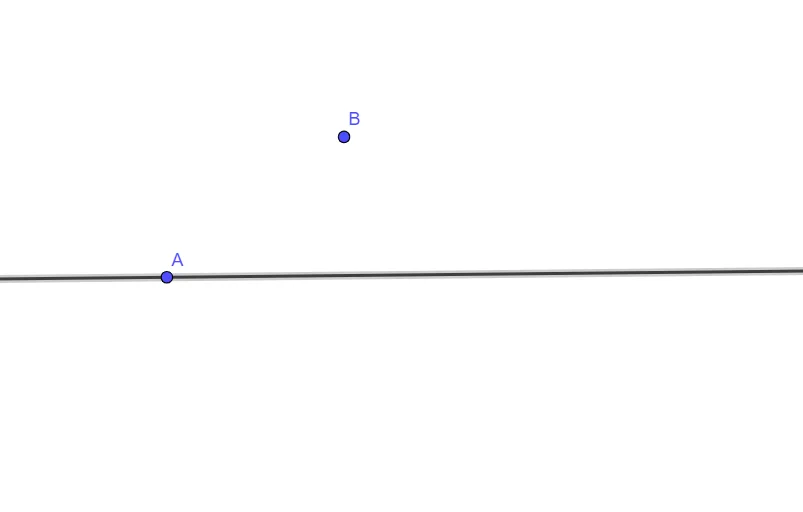
Loading the math board and drawing, please wait…
In collections
Euclid: The Game
This example demonstrates how to translate a Level 5 puzzle into a usable geometric model centered on right-triangle configurations. It highlights the idea of building relationships via simple constructions, then connecting those relationships to algebraic reasoning and to broader intuition involving integral calculus or probability (e.g., measure/area-type thinking). The key mathematical concepts are right-triangle geometry, algebraic formulation of geometric constraints, and the conceptual bridge to integral or probabilistic interpretations. Construction-wise, it uses GeoGebra’s Line command to create the geometric objects defined by points A, B, and C, and introduces object f as the associated function/quantity tied to the level’s condition. Suitable for middle and high school learners, as well as for classroom demonstrations and game-based math instruction focused on geometric construction.
GeoGebra Commands & Parameters
Line(A, C) → f
AI Drawing Prompt Reference
Create a geometric model on the plane by taking two given points A and C and drawing the single line passing through them. Treat this line as the associated function or quantity, labeled f, tied to the puzzle’s condition. The diagram should support right-triangle geometry modeling: first build simple geometric relationships with straight-line constructions, then connect those relationships to algebraic constraints and to broader intuition from integral calculus or probability (measure/area-style thinking). Construct in order: place A and C, draw the line through them, and then label the resulting quantity as f.
The prompt above was compiled from the original drawing commands and is for reference only.