
Estimating Division via Area
Loading the math board and drawing, please wait…
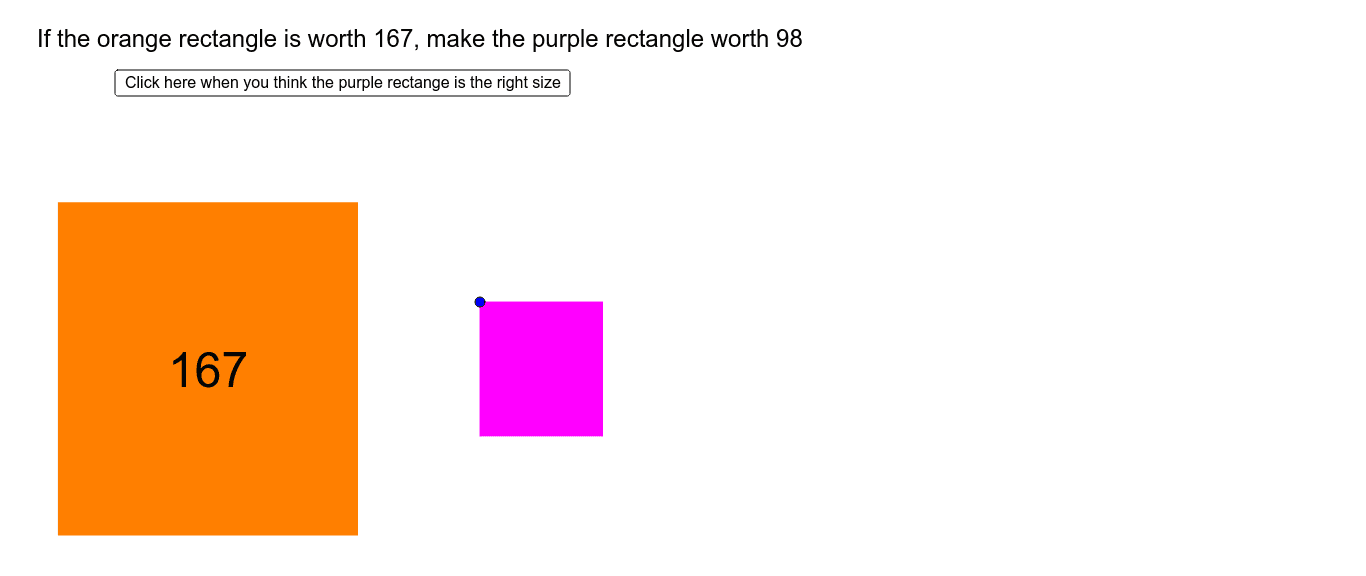
This example uses the area concept to help students understand division estimation. It involves key math concepts such as area and division. Using GeoGebra commands like Random, Polygon, If, Segment, etc., students can dynamically explore the relationship between area and division. Suitable for middle school and above students.
GeoGebra Commands & Parameters
Random(5, 10) → bigLRandom(5, 10) → bigWPolygon(A, B, C, D) → big, a, b, c, dRandom(100, 999) → bigValRandom(10, 99) → smallValPolygon(E, F, G, H) → small, e, f, g, hIf(abs(correctsize - small) / correctsize < 1, abs(correctsize - small) / correctsize, 1) → errorSegment(L, M) → iSegment(L, N) → jSegment(L, O) → kIf(small < correctsize, "too small", "too big") → sizePolygon(J, K, P, Q) → poly1, j_1, k_1, p, qSegment(R, S) → lPolygon(EG, FG, GG, HG) → ghost, eg, fg, gg, hgTextfield(divguess) → inputBox1If(diverror < 0.6, "Pretty good estimate!", "Not a great estimate") → quality
AI Drawing Prompt Reference
Draw a large rectangle with a random length and width between 5 and 10, then draw a smaller rectangle with a random length and width between 10 and 99. Based on the area of the smaller rectangle and the larger one, estimate how many times smaller the area is compared to the larger one, and provide feedback on the accuracy of the estimate.
The prompt above was compiled from the original drawing commands and is for reference only.