
Equivalent Fractions, Decimals and Percentages
Loading the math board and drawing, please wait…
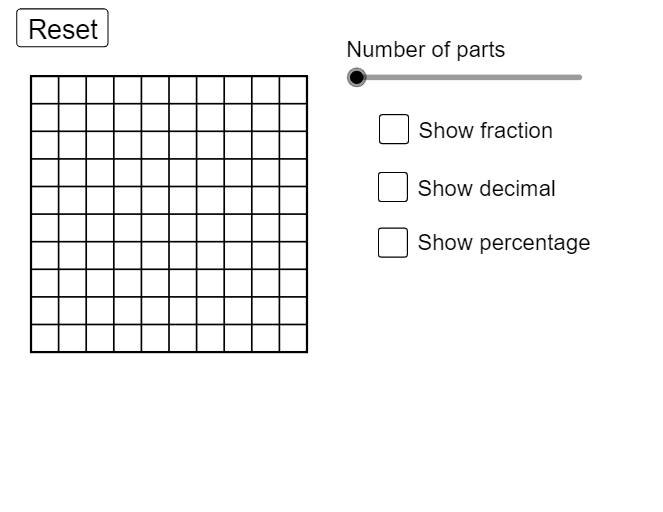
This example demonstrates the conversion between equivalent fractions, decimals, and percentages. Key mathematical concepts include the conversion between fractions, decimals, and percentages. Using GeoGebra commands such as Sequence, Polygon, and Segment, the conversion process is dynamically illustrated. Suitable for high-grade elementary to junior high school students.
GeoGebra Commands & Parameters
Sequence(Segment[(i, 0), (i, 10)], i, 0, 10, 1) → list1, {10, 10, 10, 10, 10, 10, 10, 10, 10, 10, 10}Sequence(Segment[(0, i), (10, i)], i, 0, 10, 1) → list2, {10, 10, 10, 10, 10, 10, 10, 10, 10, 10, 10}Polygon(C, B, A, D) → poly1, c, b, a_1, dPolygon(E, G, F, C) → poly2, e, g, f, c_1Segment((0, 0), (0, 10)) → iSegment((0, 0), (10, 0)) → jSegment((10, 0), (10, 10)) → kSegment((10, 10), (0, 10)) → lSegment((5, 0), (5, 10)) → pSegment((3, 0), (3, 5)) → qSegment((2, 5), (3, 5)) → rSegment((2, 5), (2, 10)) → sSegment((8, 0), (8, 5)) → tSegment((7, 5), (8, 5)) → f_1Segment((7, 5), (7, 10)) → g_1FractionText(a / 100) → A4Sequence(Segment[((2 * i), 0), ((2 * i), 10)], i, 1, 4, 1) → list3, {10, 10, 10, 10}Sequence(Segment[(A1, i), (10, i)], i, 0, 10, 1) → list4, {10, 10, 10, 10, 10, 10, 10, 10, 10, 10, 10}
AI Drawing Prompt Reference
Draw a 10x10 grid using horizontal and vertical lines, then create multiple triangles with vertices at the grid intersections, color-coded to represent different fractions, decimals, and percentages, and label each triangle with its value to illustrate the conversion relationships.
The prompt above was compiled from the original drawing commands and is for reference only.