
Equivalent Fractions 2: Dynamic Visualization of Fraction Equality
Loading the math board and drawing, please wait…
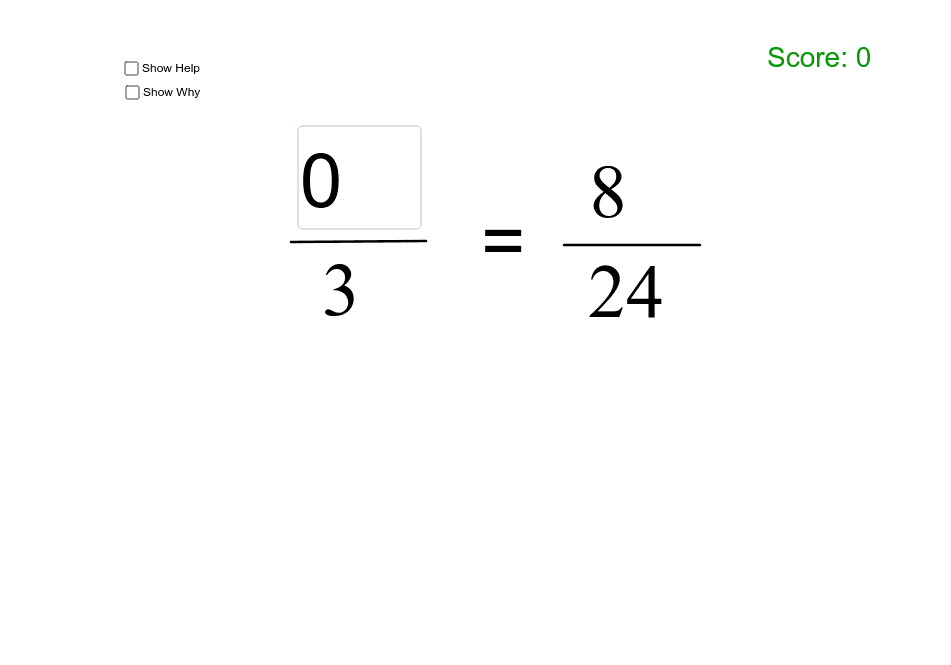
This GeoGebra example dynamically demonstrates equivalent fractions, visually illustrating how different numerator-denominator pairs represent the same proportional value through circular sectors and line segments. Core mathematical concepts include fractions, rational numbers, equivalent ratios, and introductory functional relationships. The construction draws on the command summary, employing Random for parameter generation, Textfield and inputBox for interactive input, Segment and Point for geometric primitives, Circle and Sector for circular area representations of fractions, Sequence for object series, Vector for directional relationships, and If for conditional visibility logic, together with list1, list2, list3, list4 list objects and Mul for arithmetic operations. It is suitable for middle school mathematics (grades 7–9), upper elementary rational number instruction, and classroom interactive demonstrations of fraction equivalence.
GeoGebra Commands & Parameters
Random(2, 10) → D1Random(2, 10) → D2Random(1, D1 - 1) → N1Random(1, D2 - 1) → N2Textfield(a_1) → inputBox1Segment(A, B) → dPoint(xAxis) → CPoint(xAxis) → DCircle(C, D) → ePoint(xAxis) → EPoint(xAxis) → FCircle(E, F) → fSequence(Rotate[D, 360° * i / D1, C], i, 1, D1) → list1Sequence(Segment[C, Element[list1, i]], i, 1, D1 + 1) → list2Sector(e, D, Element[list1, N1]) → gSequence(Rotate[F, 360° * i / b, E], i, 1, b) → list3Sequence(Segment[E, Element[list3, i]], i, 1, b) → list4Circle(E, 1.3) → kVector(I, J) → vVector(G, H) → uTextfield(ans2) → inputBox2Random(0, 1) → ChangeSegment(K, L) → jVector(M, N) → wVector(O, P) → zSector(f, F, Element[list3, New]) → hIf((ans2 ≟ New2 ∨ a_1 ≟ c) ∧ ((ans2 ≠ 0) ∨ (a_1 ≠ 0)), true, false) → good
AI Drawing Prompt Reference
Draw two circles side by side, each divided into equal sectors with one sector highlighted to represent a fraction. The first circle is split into a random number of equal parts, while the second has a different number of parts but the same proportional value. Each circle has line segments from its center to equally spaced points on the circumference. Beside each circle, place an input box for numerator and denominator. Below the circles, draw a horizontal line segment and add two arrow vectors to indicate proportional relationships. The layout is clear, suitable for teaching equivalent fractions.
The prompt above was compiled from the original drawing commands and is for reference only.