
Ellipses a Different Way (with Hyperbolae!)
Loading the math board and drawing, please wait…
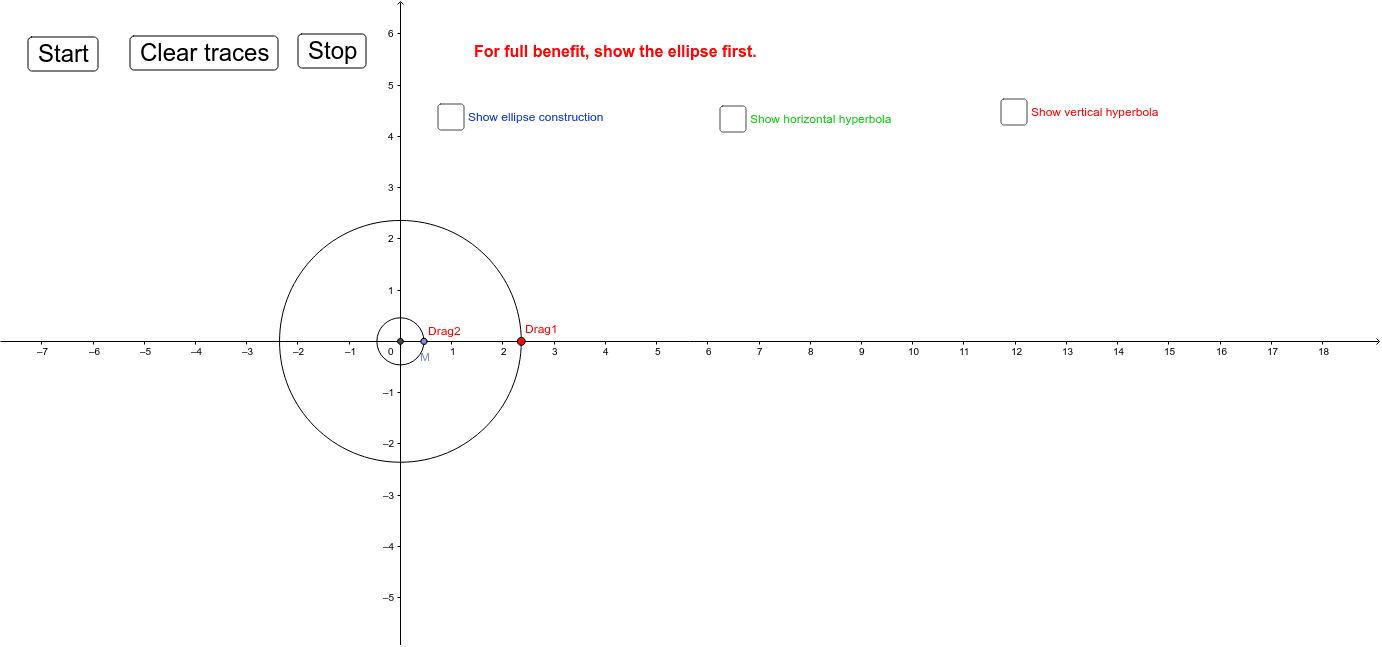
This GeoGebra example demonstrates an alternative construction of ellipses and hyperbolae, linking them to cylinder sections, orthocenters, and confidence intervals. The core mathematical concepts include conic sections (ellipse and hyperbola), properties of the orthocenter, oblique sections of a cylinder, and visualization of confidence intervals in frequency distributions. The construction uses GeoGebra commands such as Intersect, Point, Circle, Rotate, Segment, Midpoint, and Mirror, along with draggable points (Drag1, Drag2) and buttons (button1-3) to dynamically switch between configurations. It is suitable for high school and above, ideal for exploring conic sections, geometric transformations, or statistical visualization, and for teachers demonstrating the unity and geometric essence of conics.
GeoGebra Commands & Parameters
Intersect(xAxis, yAxis) → APoint(xAxis) → Drag1Circle(A, Drag1) → cPoint(xAxis) → Drag2Circle(A, Drag2) → dRotate(Drag1, r, A) → NRotate(Drag2, (-r), A) → MSegment(N, M) → aMidpoint(a) → DCircle(A, b) → qCircle(A, f) → sCircle(B, i) → tCircle(C, h + i) → c_1Intersect(c_1, t) → F, G, ,Mirror(F, A) → F'Mirror(G, A) → G'Circle(H, i) → d_1Circle(I, i + j) → e_1Intersect(d_1, e_1) → J, K, ,Mirror(K, A) → K'Mirror(J, A) → J'
AI Drawing Prompt Reference
Draw an ellipse and a hyperbola, showing their connection to cylinder sections, orthocenters, and confidence intervals. Start by plotting the intersection of the coordinate axes and drawing two circles. Rotate and connect the intersections of these circles to form segments and midpoints. Then, use these points and segments to draw several circles, finding their intersections. Finally, perform mirror operations to locate the orthocenter and display the positions of all key points and lines.
The prompt above was compiled from the original drawing commands and is for reference only.