
Dynamic Worksheet for Addition of Fractions
Loading the math board and drawing, please wait…
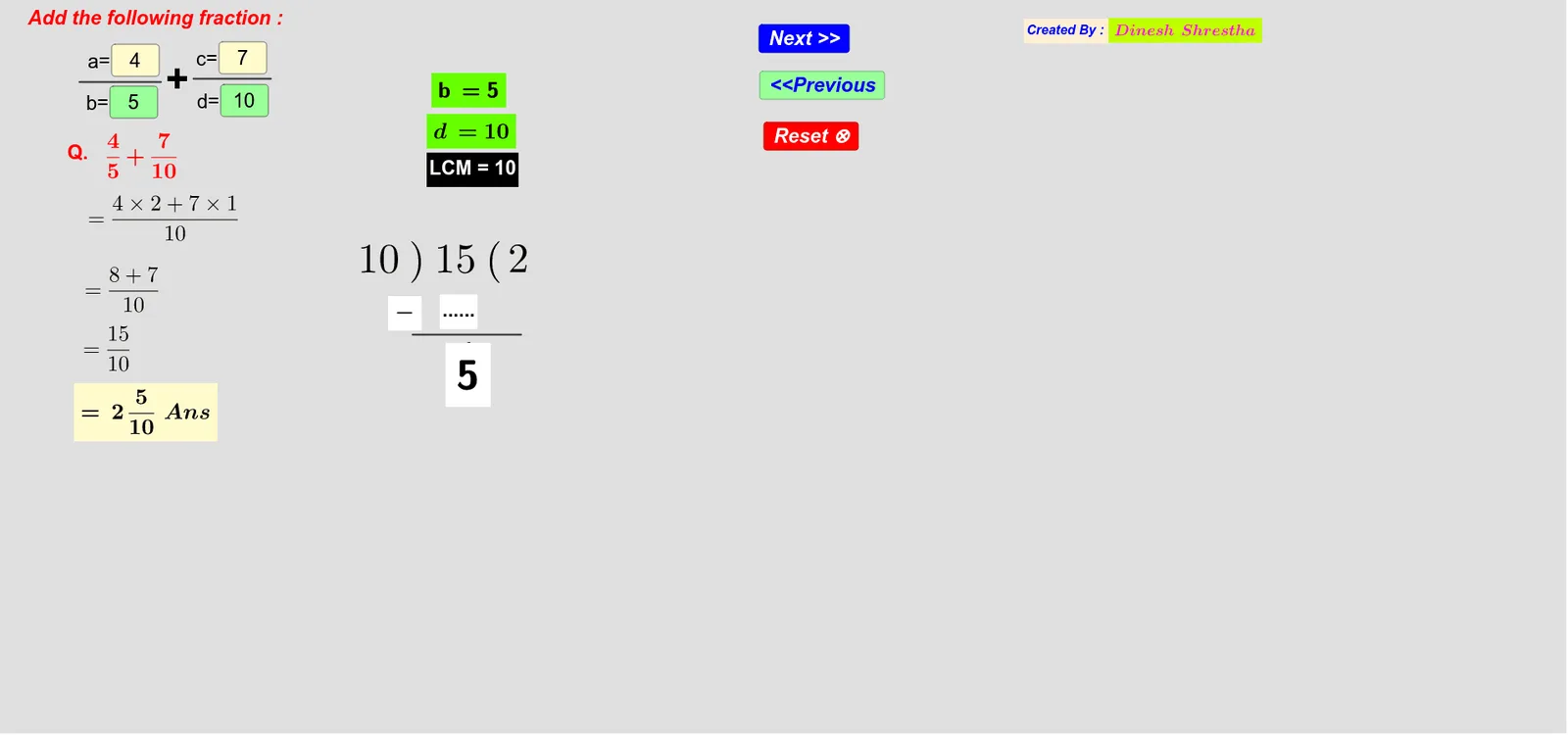
This GeoGebra example demonstrates the dynamic addition of fractions, providing an interactive platform for students to input fractions and observe the calculation process step by step. Core math concepts include fraction addition, finding common denominators using least common multiple (LCM), and modular arithmetic for handling remainders. In terms of construction, it utilizes GeoGebra commands such as LCM for computing common denominators, Mod for modular operations, Textfield to display textual feedback, and Segment for drawing geometric elements. Objects include InputBoxes for user input, variables like a, b, c to store values, and text objects for output. Suitable for elementary or middle school education, this worksheet is ideal for practicing fraction arithmetic and self-assessment.
GeoGebra Commands & Parameters
LCM(b, d) → eMod(1239, 520) → pTextfield(a) → InputBox1Textfield(b) → InputBox2Textfield(c) → InputBox3Textfield(d) → InputBox4Segment(A, B) → mSegment(C, D) → nSegment(E, F) → r
AI Drawing Prompt Reference
Create a dynamic worksheet-style diagram for addition of fractions. Provide four interactive text input fields for parameters a, b, c, and d, and include textual feedback that reflects the ongoing computation steps. Use the entered values to support the idea of finding a common denominator and handling remainders. In the drawing area, display three line segments as process elements: one segment joining points A and B (labeled m), a second segment joining points C and D (labeled n), and a third segment joining points E and F (labeled r). Arrange the inputs, text feedback, and these segments to guide step-by-step observation of the fraction addition method.
The prompt above was compiled from the original drawing commands and is for reference only.