
Dynamic Demonstration of Sine, Cosine and Tangent Ratios
Loading the math board and drawing, please wait…
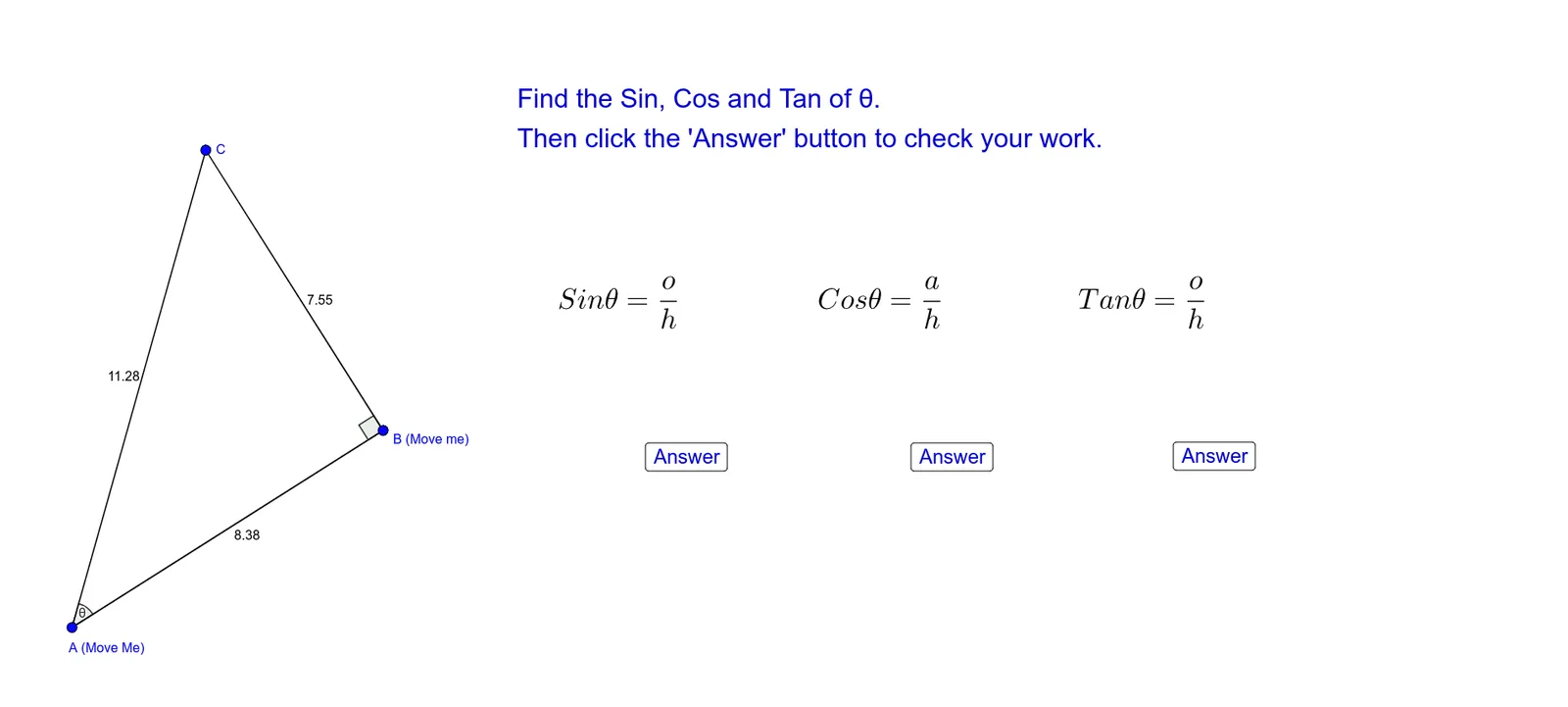
① This example dynamically demonstrates the geometric meanings of the three trigonometric ratios—sine, cosine, and tangent—using a unit circle and a right triangle, with interactive toggles to show or hide each ratio's corresponding segment. ② Core mathematical concepts include trigonometric ratios in right triangles, trigonometric line segments on the unit circle (sine line, cosine line, tangent line), and the relationship between an angle and its ratios. ③ Construction highlights: using GeoGebra commands such as Line, OrthogonalLine, Rotate, Intersect, Segment, and Angle to build the right triangle and unit circle; buttons (button1, button2, button3) and boolean variables (showsine, showcosine, showtangent) control the visibility of the sine, cosine, and tangent segments, with text objects (text1 to text7) displaying numerical values. ④ Suitable for upper middle school and high school students learning trigonometry, as well as teachers demonstrating trigonometric ratio concepts in class, helping students intuitively understand how the ratios change as the angle varies.
GeoGebra Commands & Parameters
Line(A, B) → fOrthogonalLine(B, f) → gRotate(B, 42°, A) → B'Line(A, B') → hIntersect(g, h) → CSegment(C, B) → iSegment(A, B) → jSegment(A, C) → kAngle(A, C, B) → γAngle(B, A, C) → θAngle(C, B, A) → α